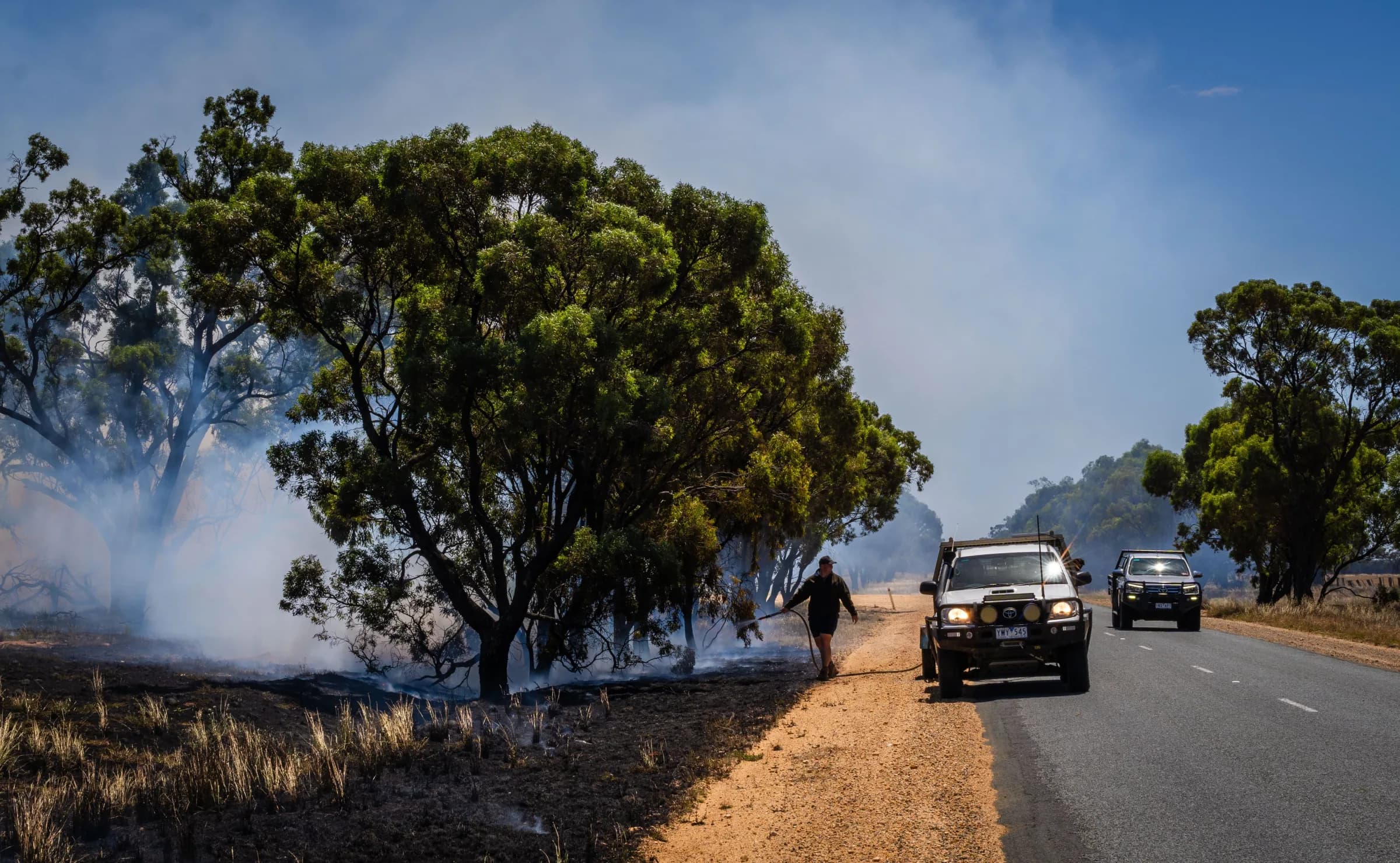
Be more confident in the water supply you rely on
Make steady progress through hydrant inspections and keep defects visible, so your brigade knows what has been checked and what still needs attention.

Start inspecting without building the map first
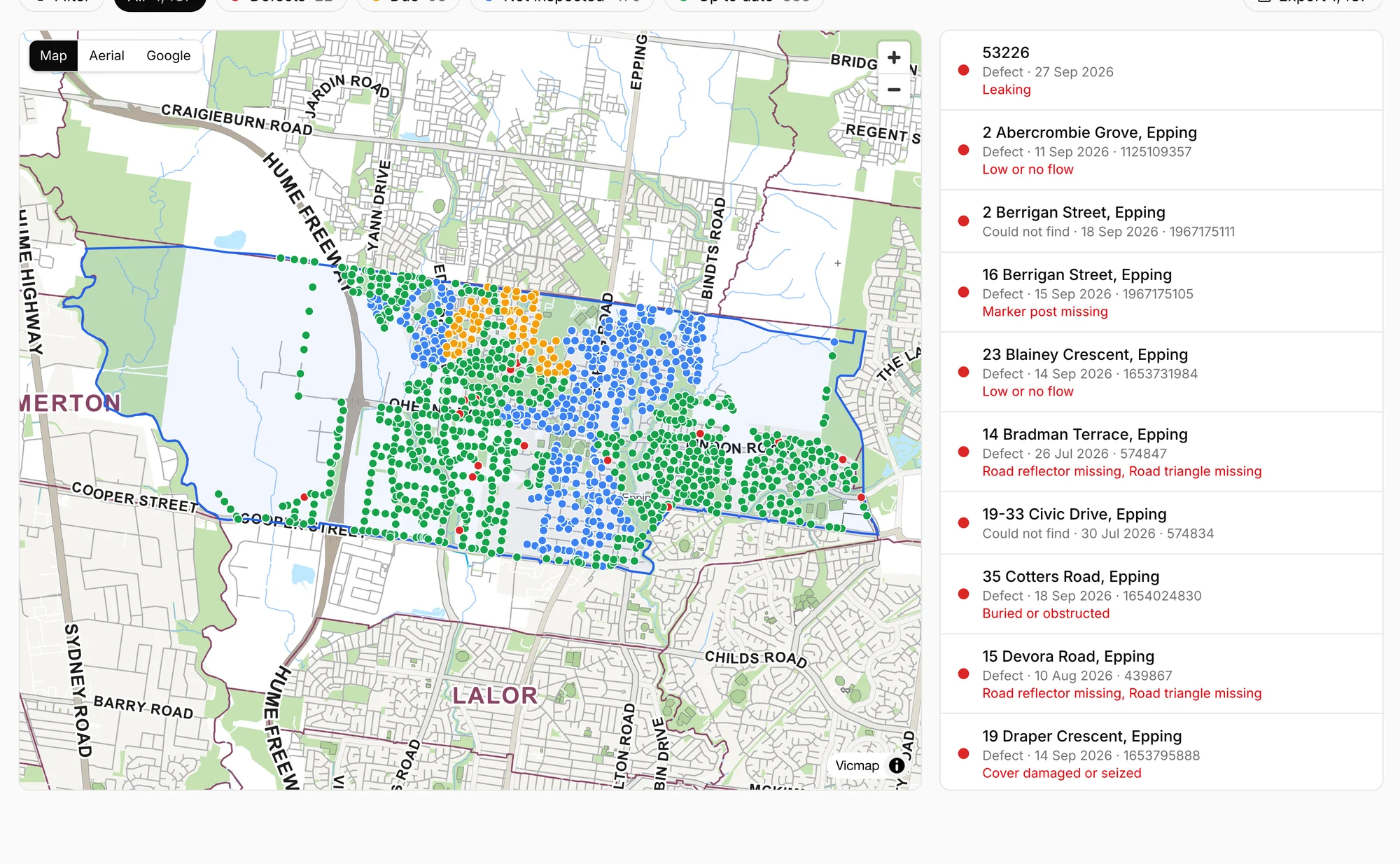
Find your Victorian brigade and start with its published response area and hydrant data already mapped, saving the work of assembling your own register.
Know where your next inspection matters
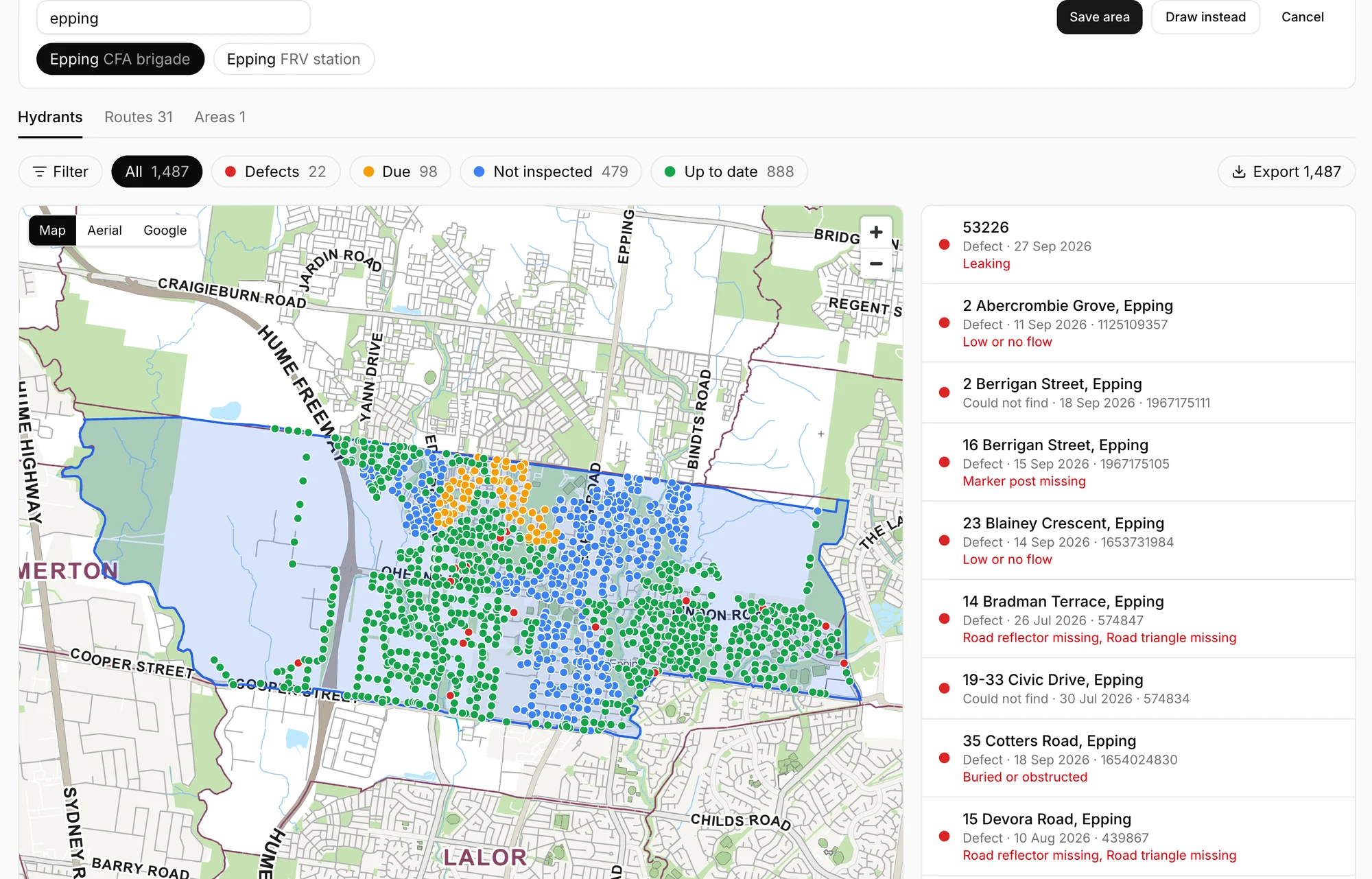
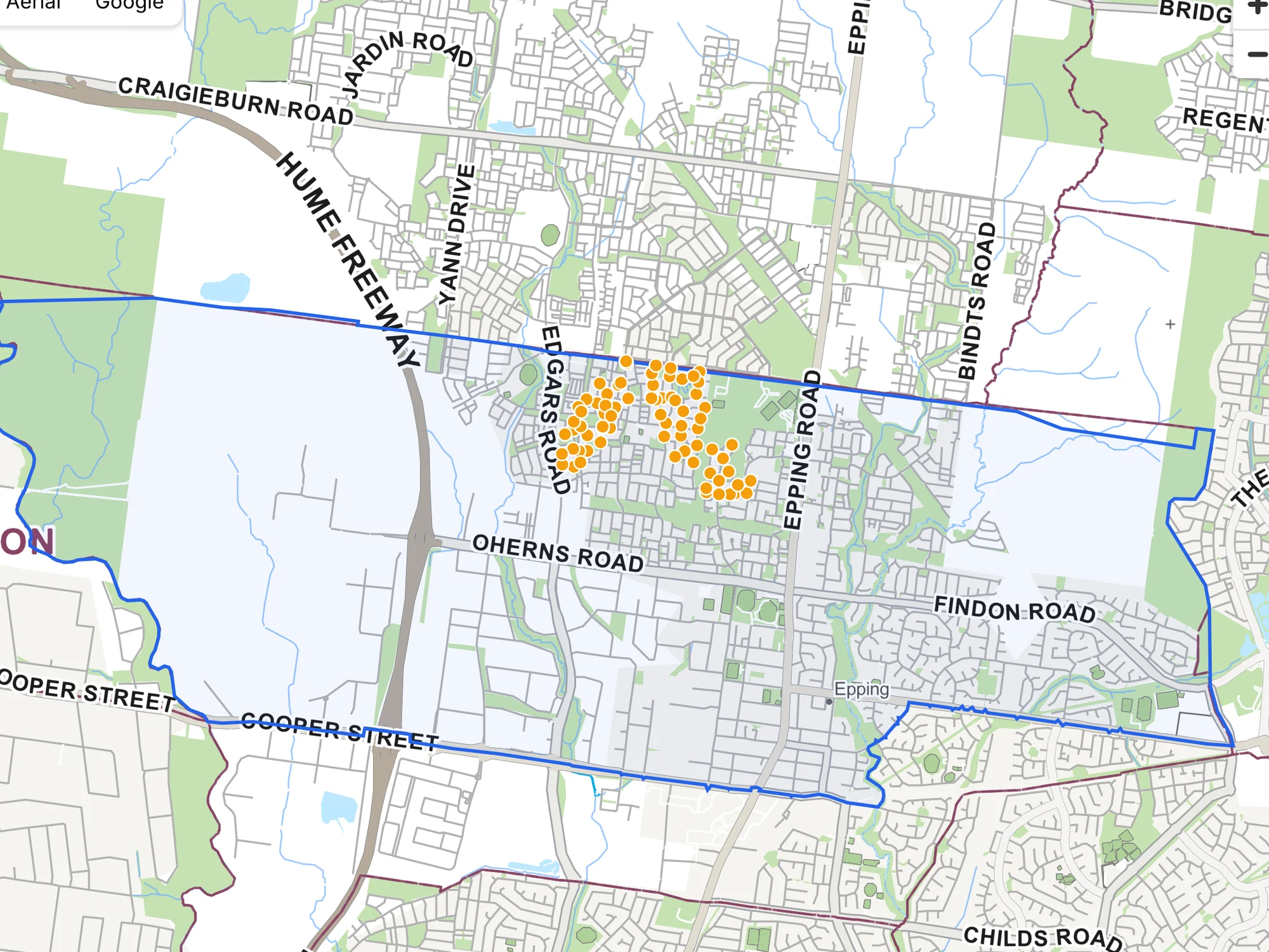
See recent inspections, overdue checks and reported defects together, so you can focus your effort where it is needed.
Keep overdue inspections in sight
Hydrants are flagged when twelve months have passed since their last inspection, helping you plan the next run without checking dates by hand.
Raise defects with the authority that fixes them
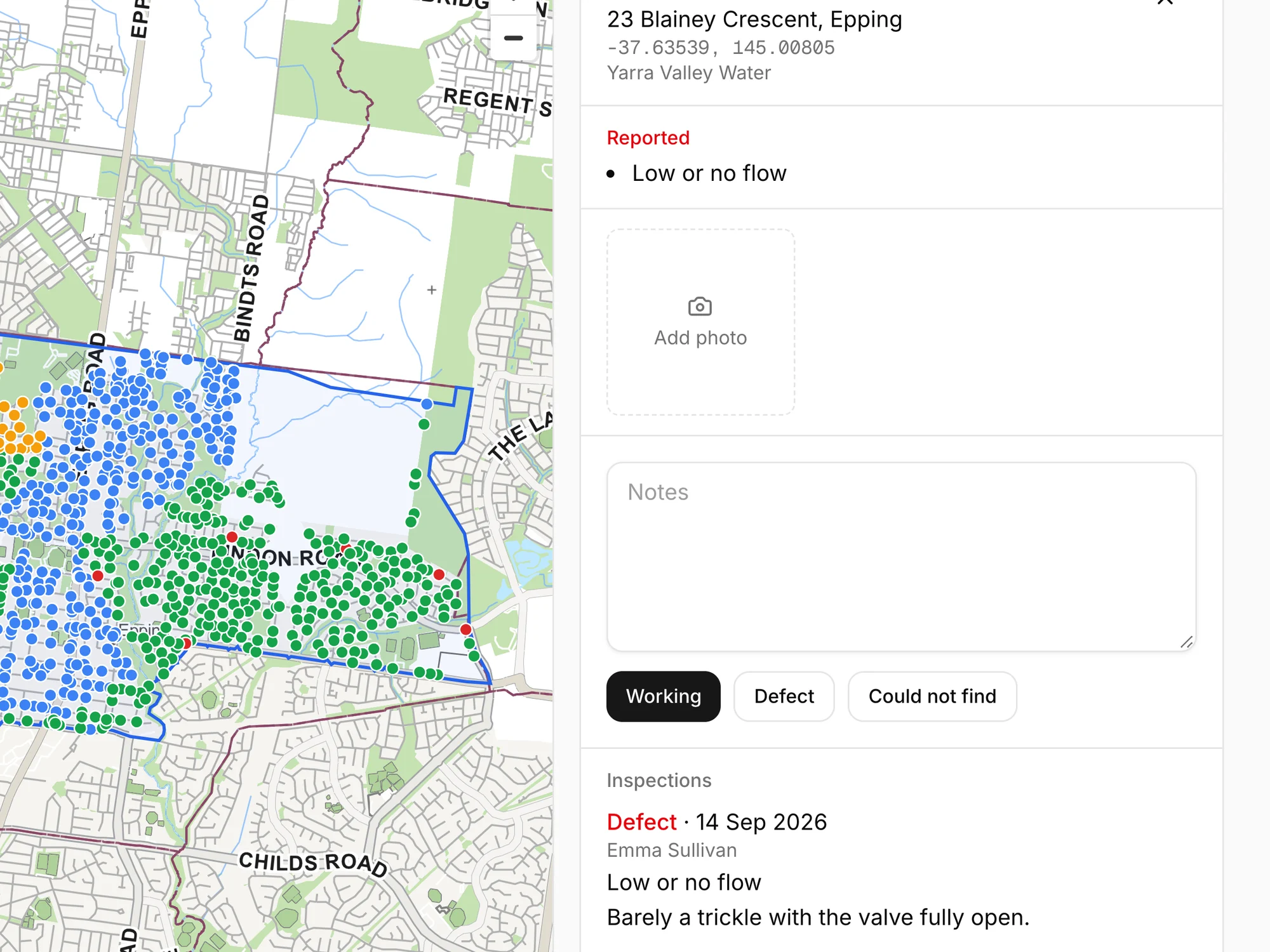
A defect can be raised automatically with the water authority responsible. Vantage sends the email on your behalf with the location, the hydrant's reference number, the notes and the photos, so nobody has to write it up twice.
Make a big inspection program manageable
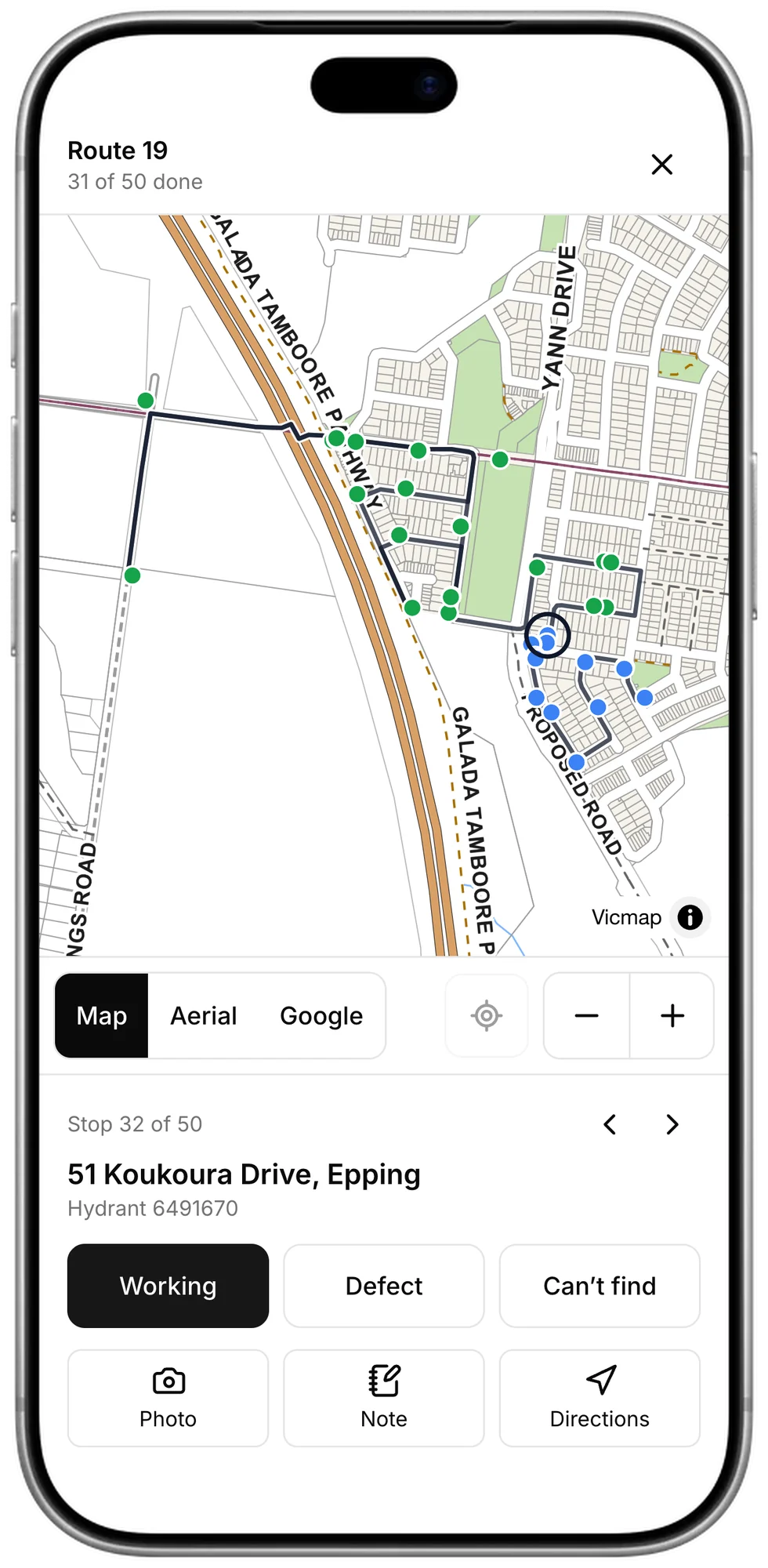
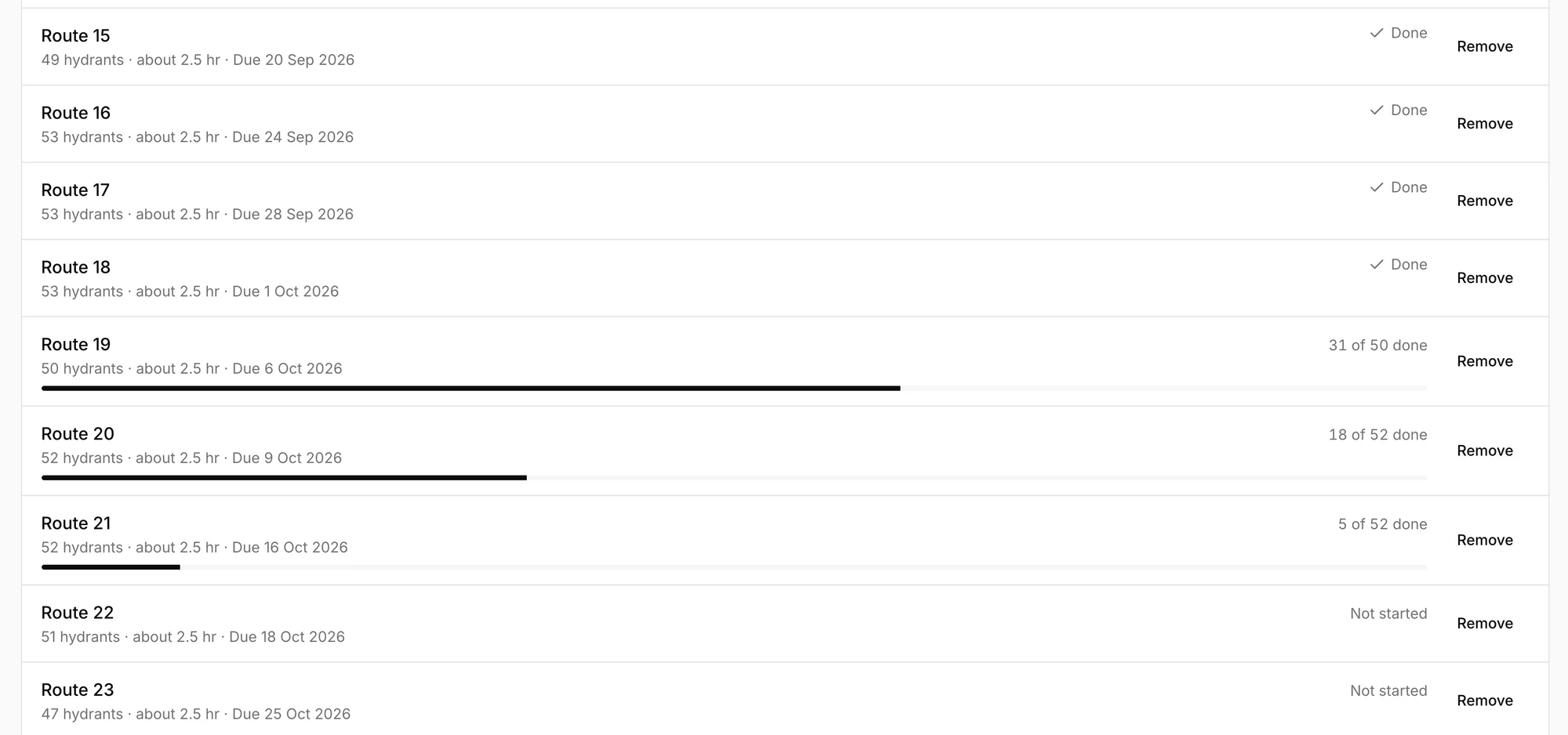
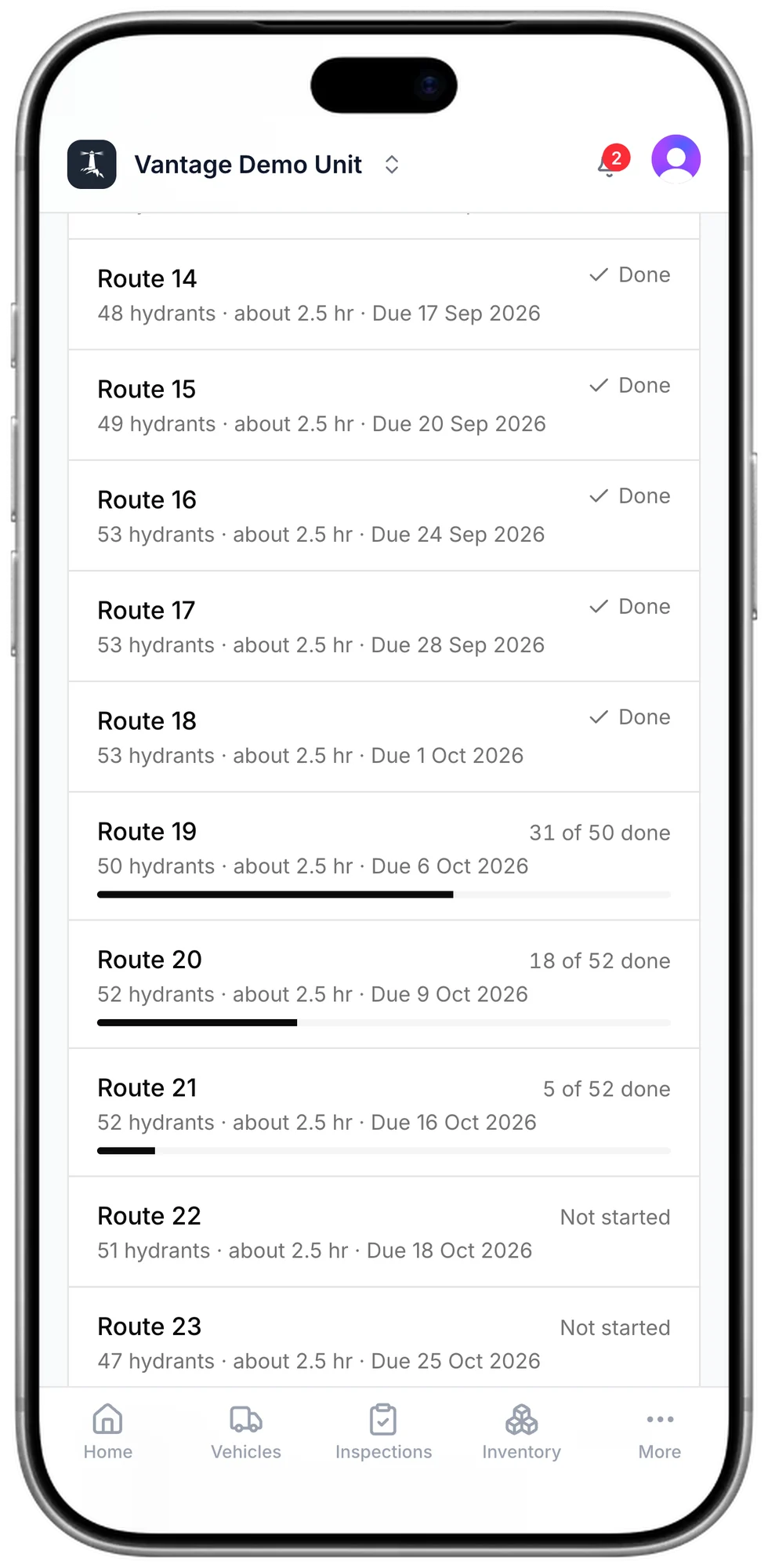
Break your area into scheduled routes that fit around the time people can give, with progress visible as crews work through each run.
Finish the round without doubling back
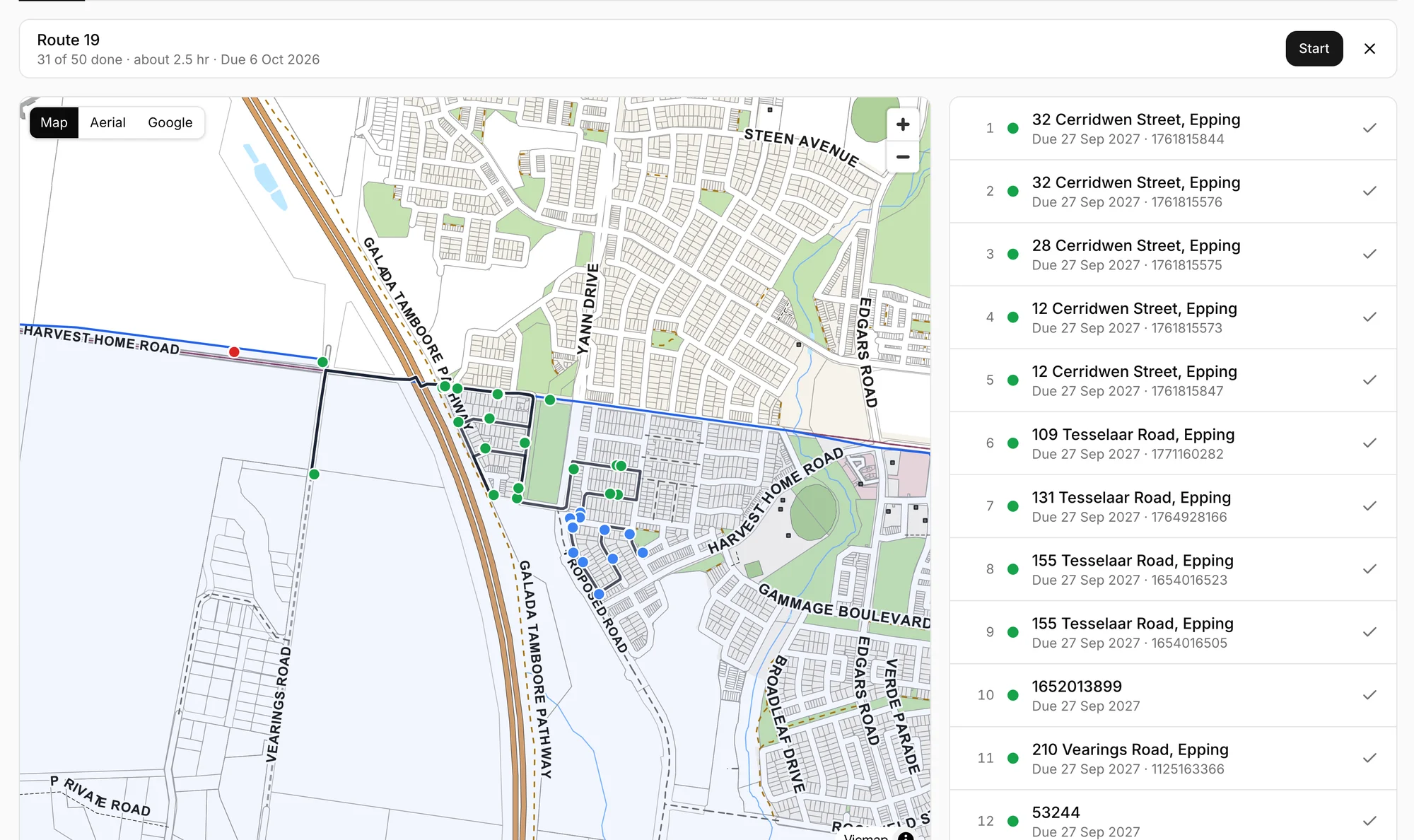
The route generator splits your area into logical routes that follow the roads. Each one is the same every time, and ordered to keep the driving, the time and the wasted trips to a minimum.
Keep recording simple in the field
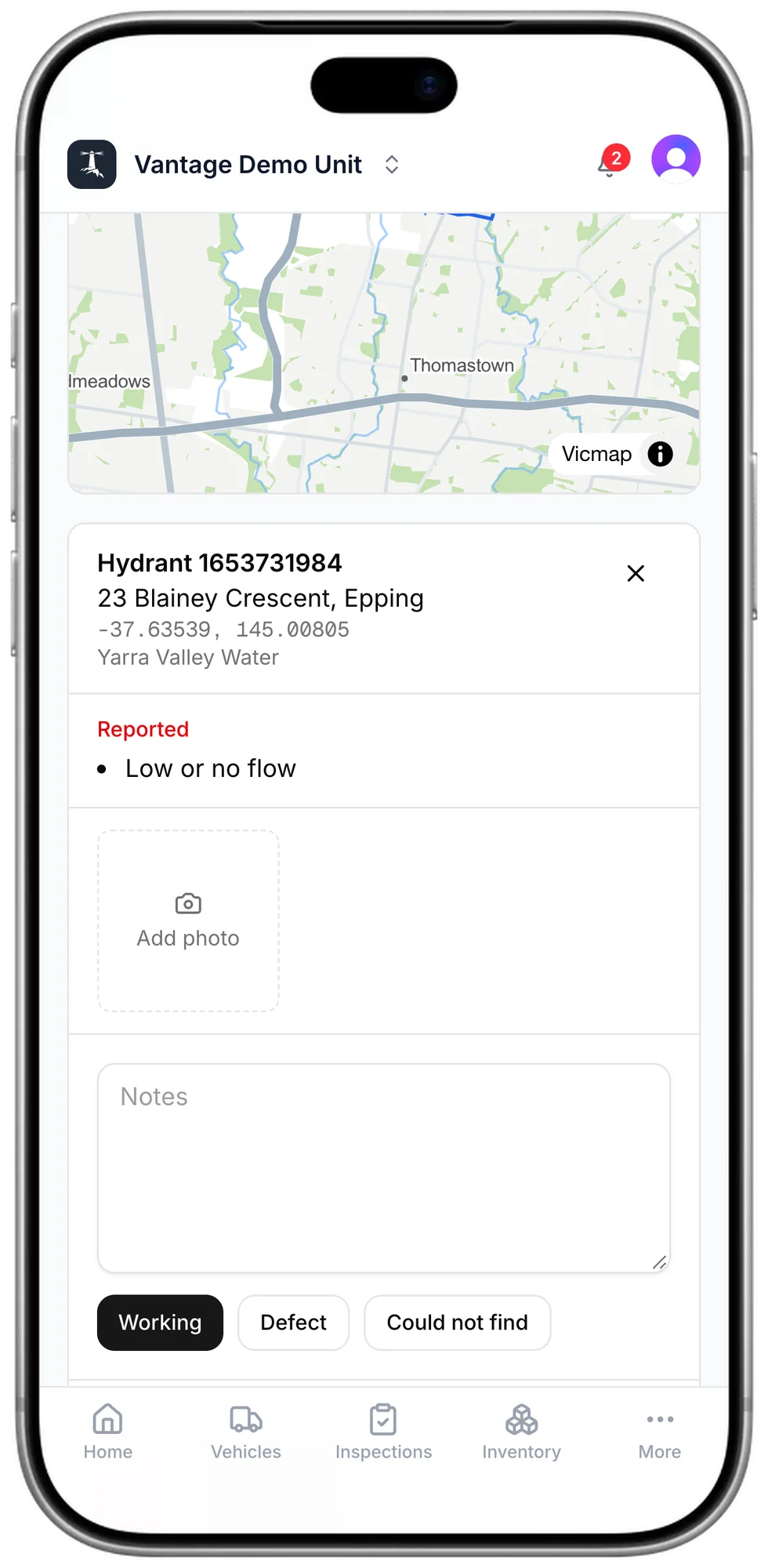
Keep making progress away from the station
Keep results when coverage drops
A result is kept on the phone and sent when there is coverage, even if the page has been closed.
Directions to the next one
One button hands the stop to the phone's maps app.
A photo and a note
So the next crew can find it, and the water authority can see what is wrong.
Make follow-up easier to hand over
Export the records that need attention to share clear findings with the people responsible for repairs.
Questions
Where do the hydrants come from?
From the state's hydrant data, with each hydrant's reference number and water authority. You do not enter them.
Where do the boundaries come from?
From the published response areas for fire brigades, fire stations and emergency service units in Victoria. You can also draw an area on the map.
Does it work outside Victoria?
Yes. Hydrants are loaded for most Australian states and territories. Published response areas are loaded for Victoria, and anywhere else you draw your area on the map.
What does a crew need?
A phone. Hydrants runs in the browser, and a result recorded without signal is sent later.
How often is a hydrant due?
Twelve months after its last inspection.