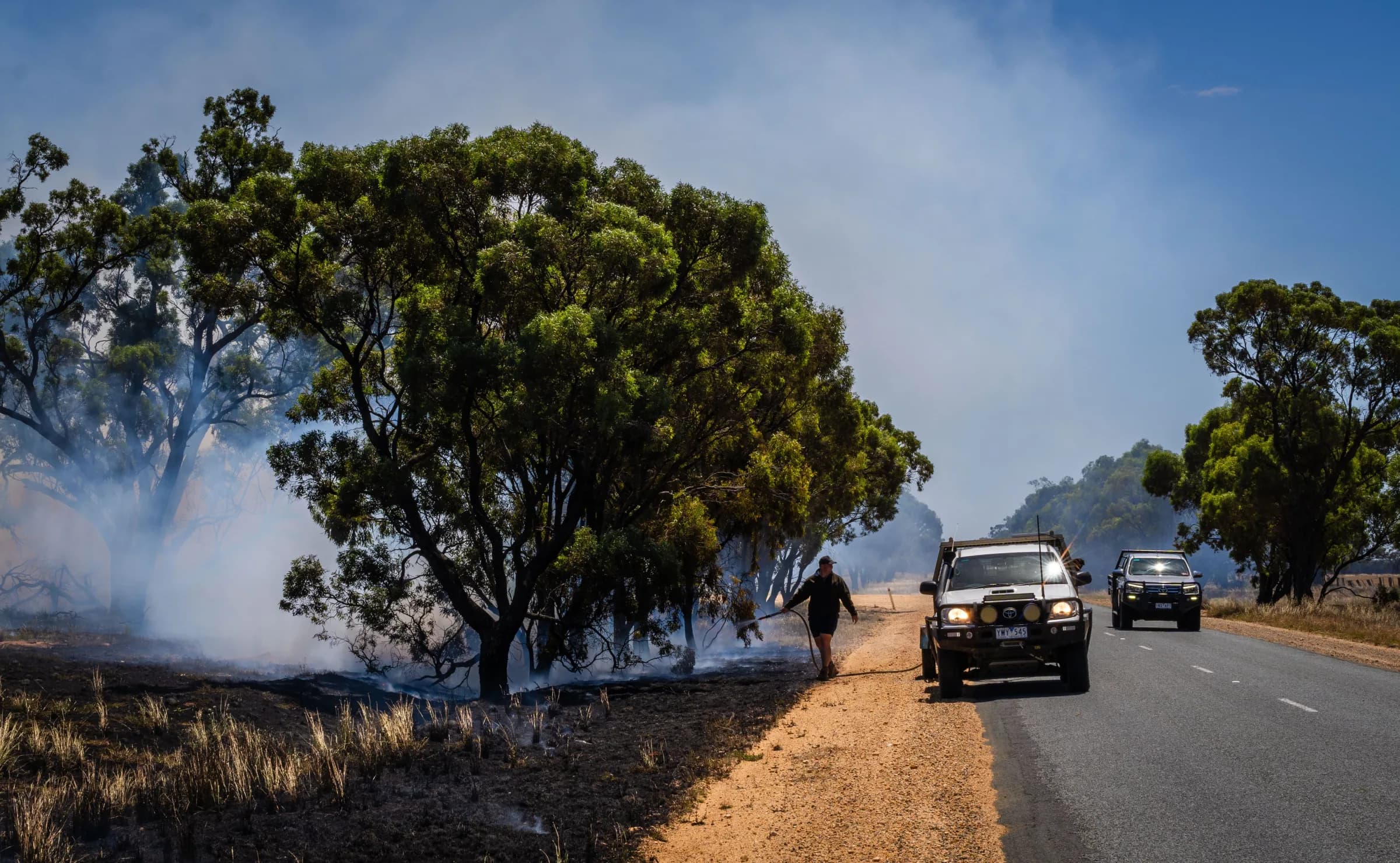
Give crews the information they need to act
Keep crews connected to incident details, maps and updates on the phones and tablets they already use, with less need to call back for information.

Keep the field and the station working together
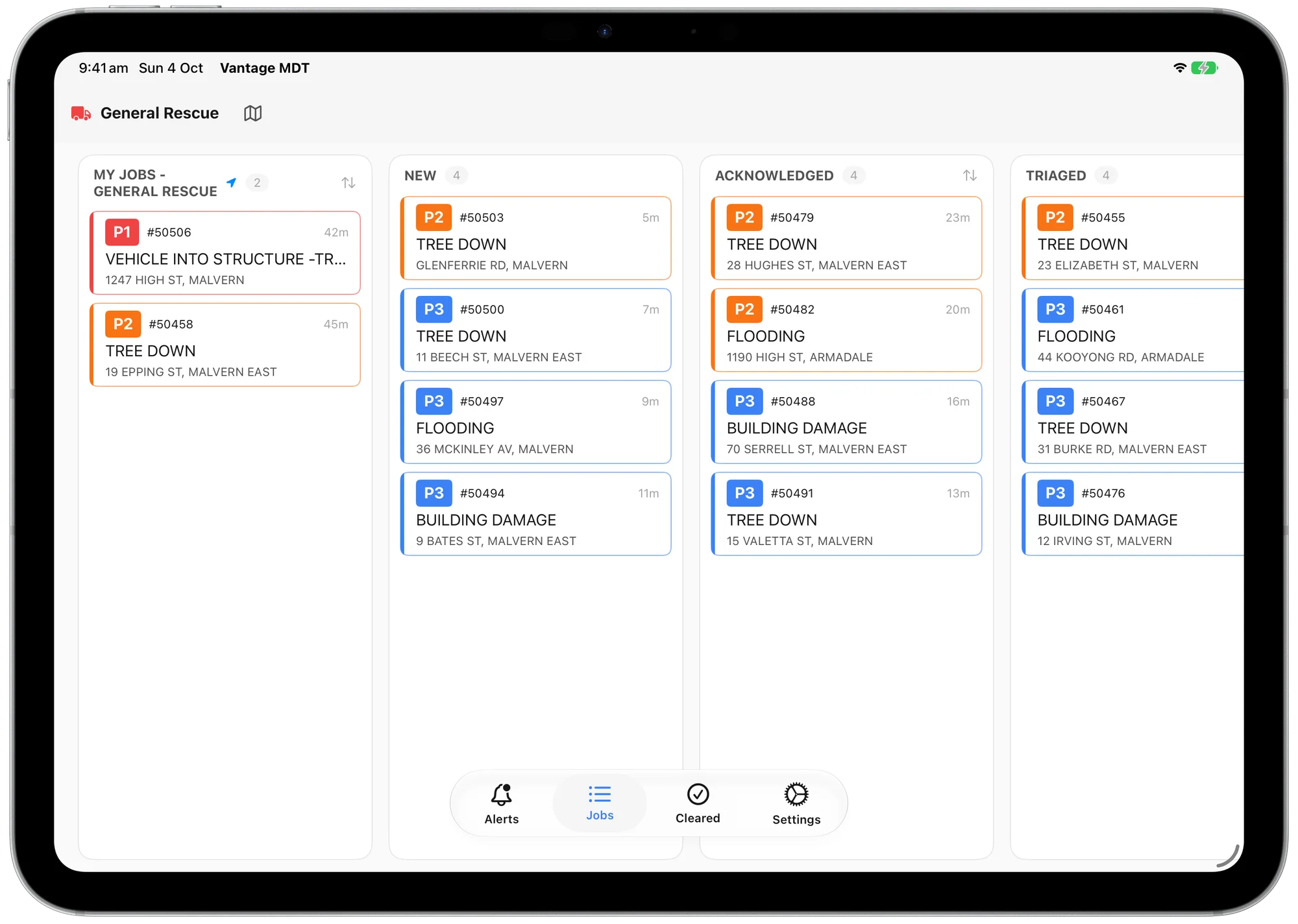
Crews see their assigned incidents on the shared board, helping everyone work from the same information as the response changes.
Make the next step clearer for the crew
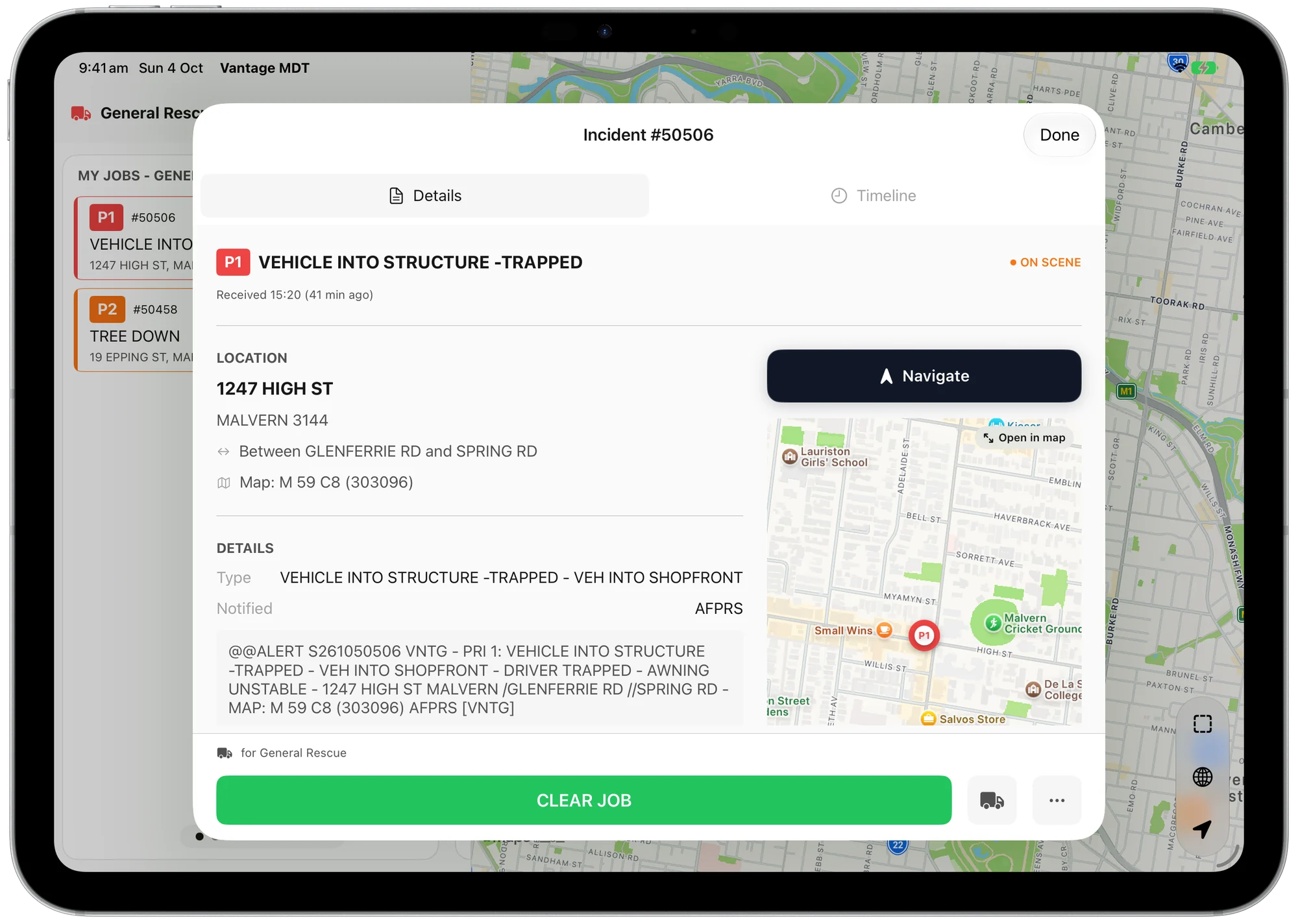
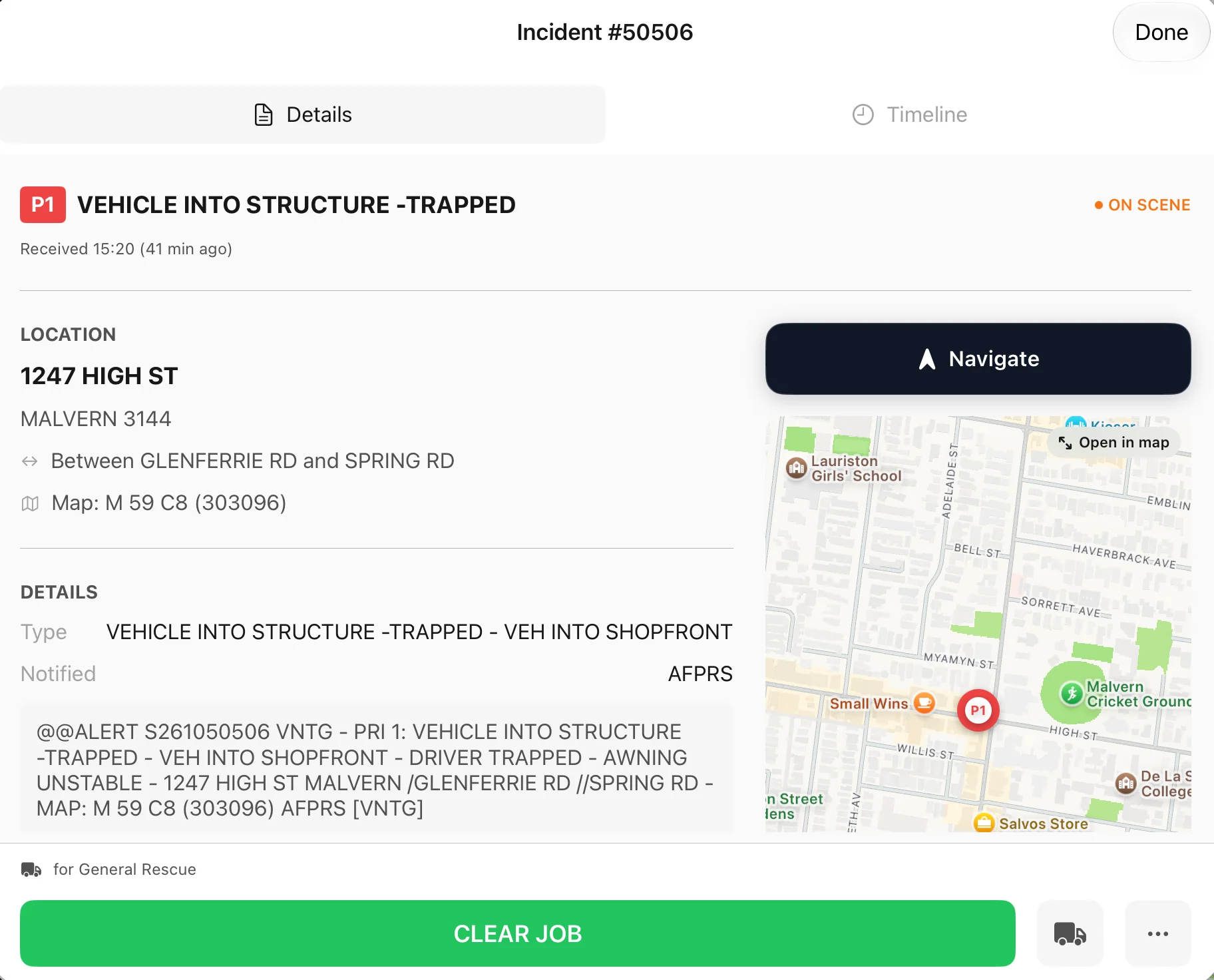
Arrive with the details at hand
Check the original message and exact location before navigating, without copying an address between apps.
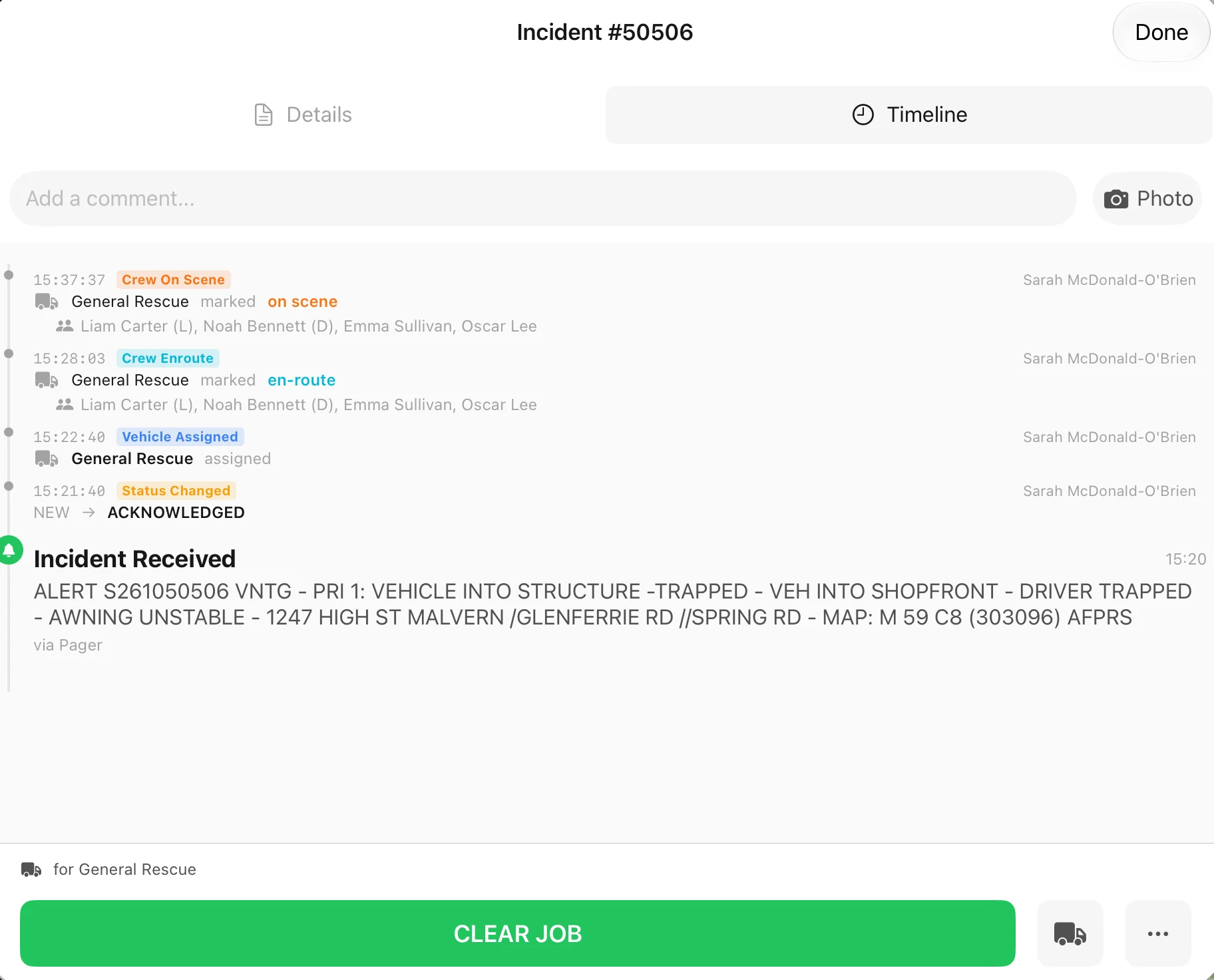
Keep the next crew informed
Share comments and photos alongside recorded status changes so others can understand what has happened before taking over.
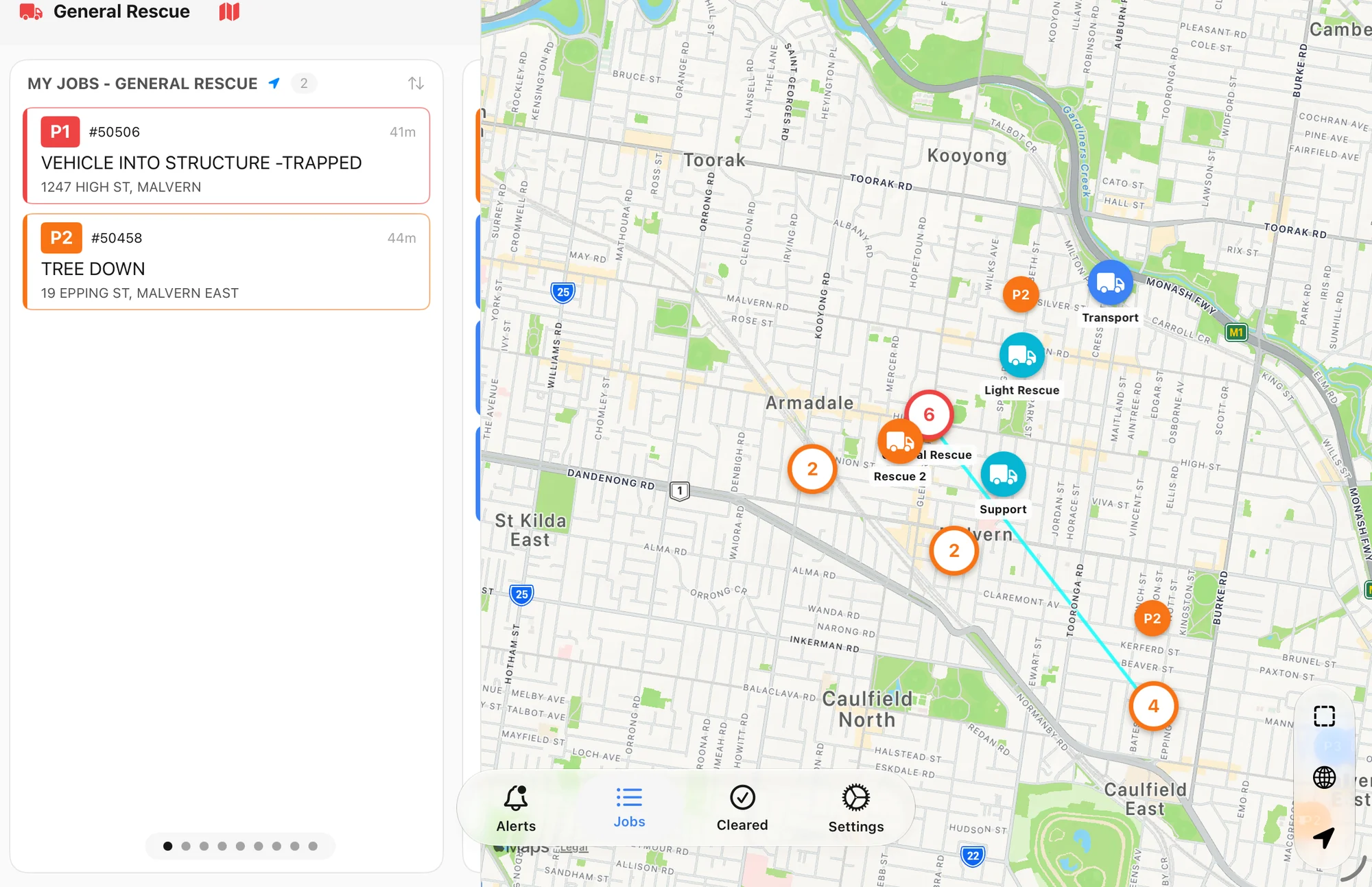
See your assignment in context
Keep assigned incidents beside the wider map so crews can see where they are needed and the vehicles working around them.
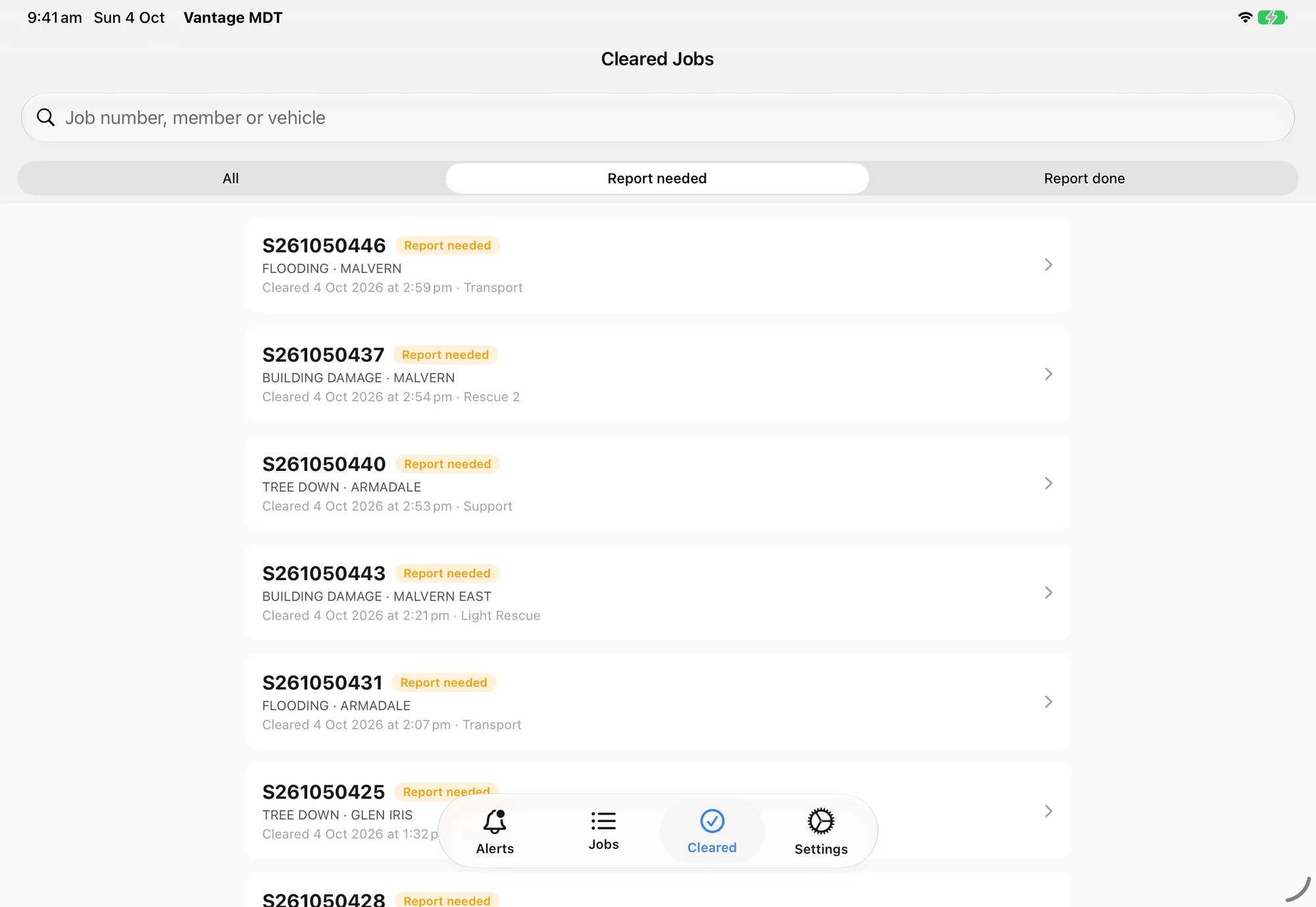
Make the follow-up easier to finish
Find past incidents quickly and see which still need a report, with less searching when it is time to finish the paperwork.
Keep others informed as you respond
Update your status from the app so the station can follow your progress while you focus on the incident. It clears up the radio too, cutting radio traffic into the ICP by more than half.
- Acknowledge
The operations room knows the crew has it.
- En route
Let others know the crew is on its way.
- On scene
Confirm arrival with the time recorded.
- Clear
The incident moves to the cleared list.
The vehicle terminal, in your pocket
The app that runs the terminal in the vehicle also runs on your own phone. You get the same incident information anywhere, and you can run your unit from the app.
As a vehicle
Pick a callsign and the iPad becomes that vehicle's terminal. It reports the vehicle's position and puts its incidents first.
As yourself
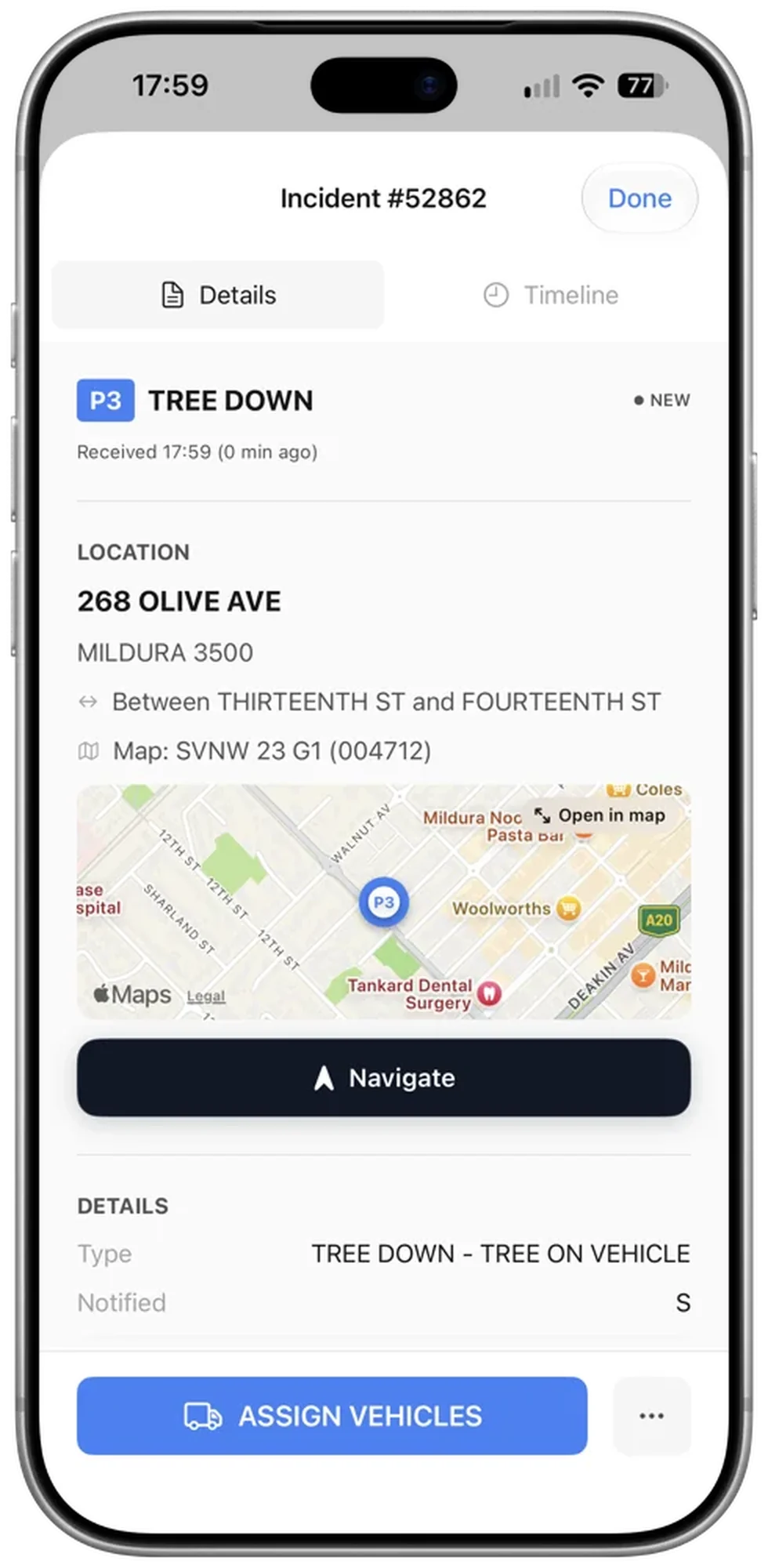
On your own phone you see every incident and every vehicle in your organisation, so triaging incidents and gathering information away from the station is easy. The device reports no position.
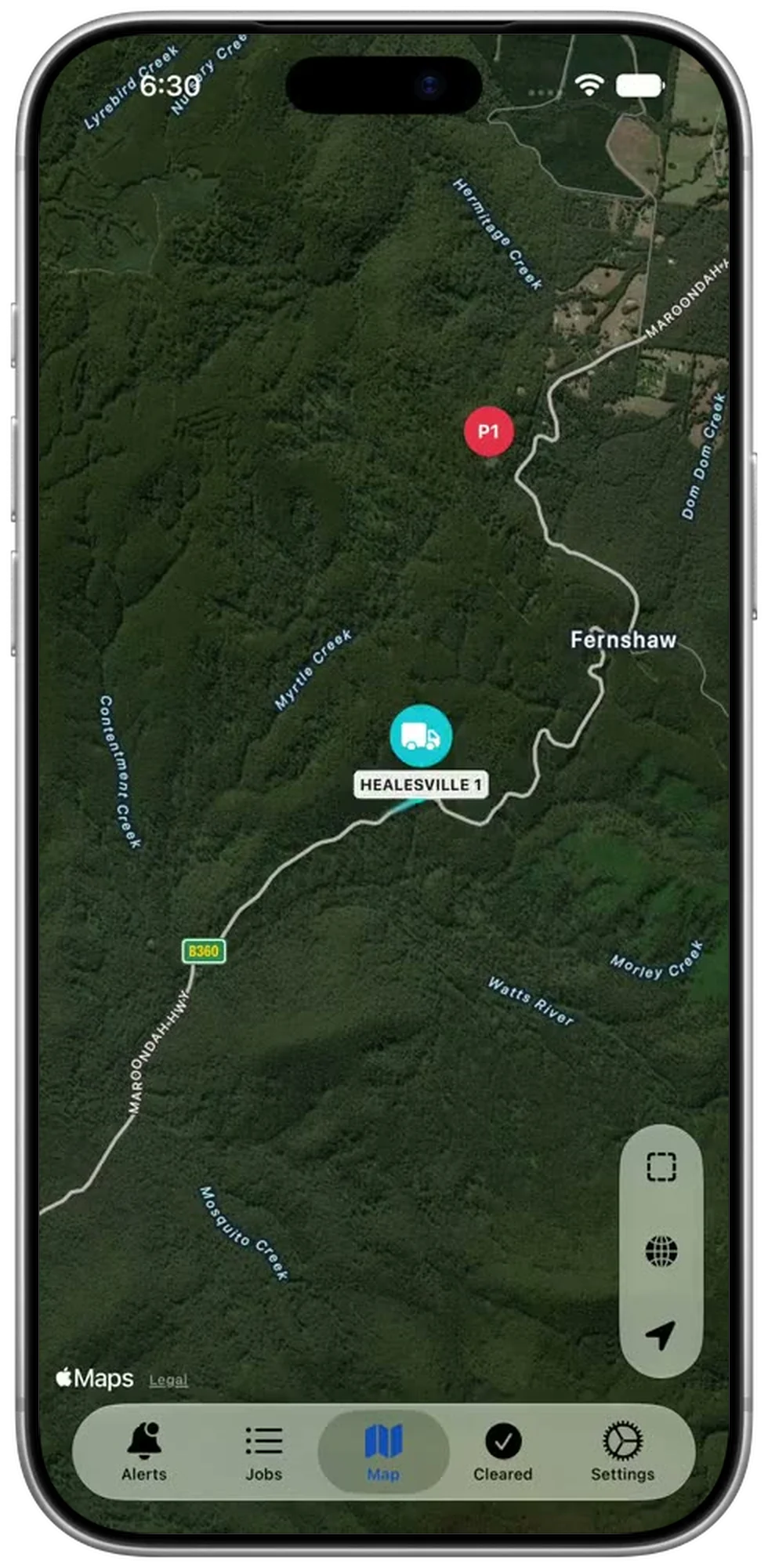
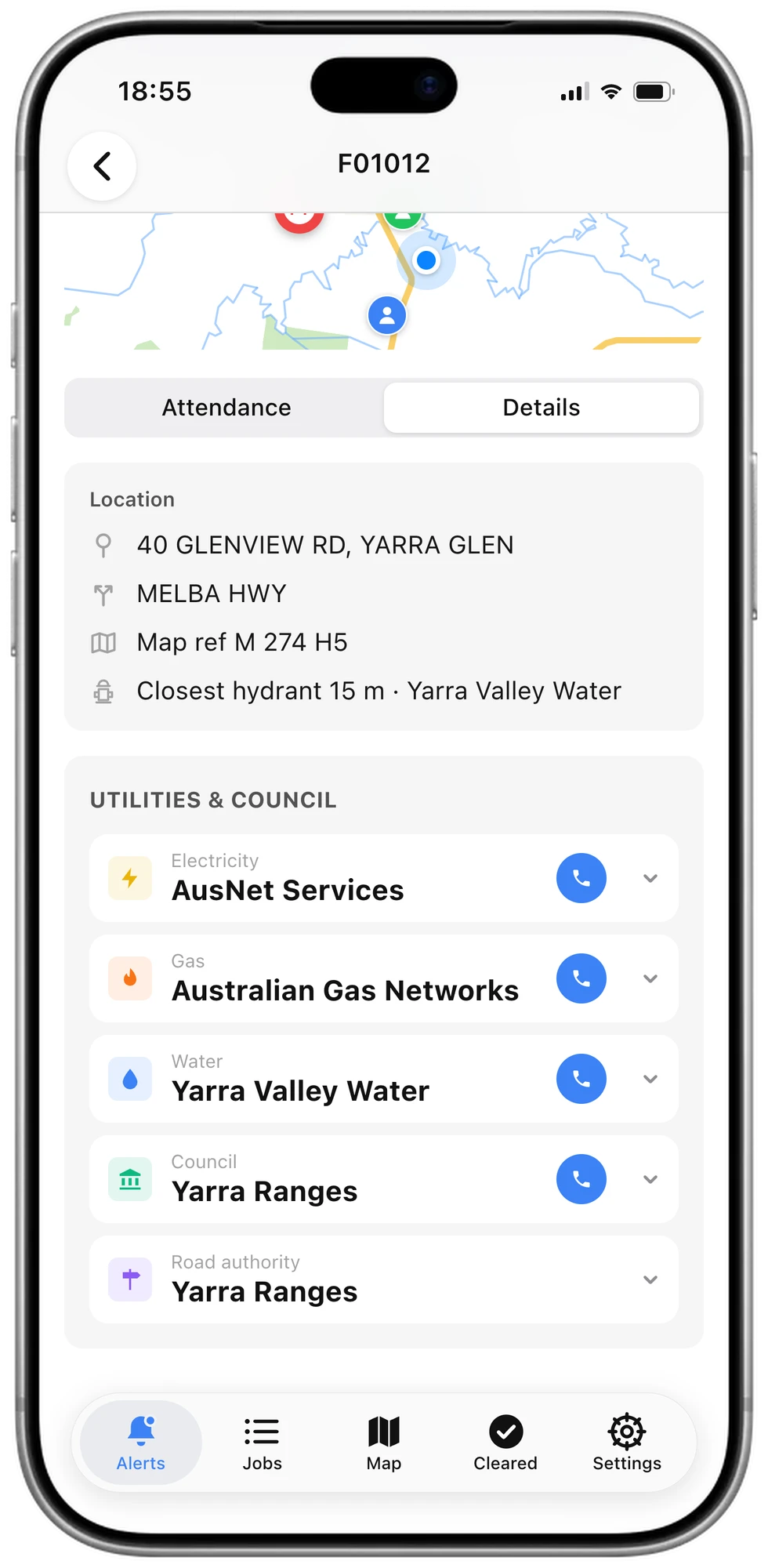
Stay informed when you leave the vehicle
Keep incident details and local contacts with you on your phone.
Help visiting crews get started quickly
Share the incident without the setup
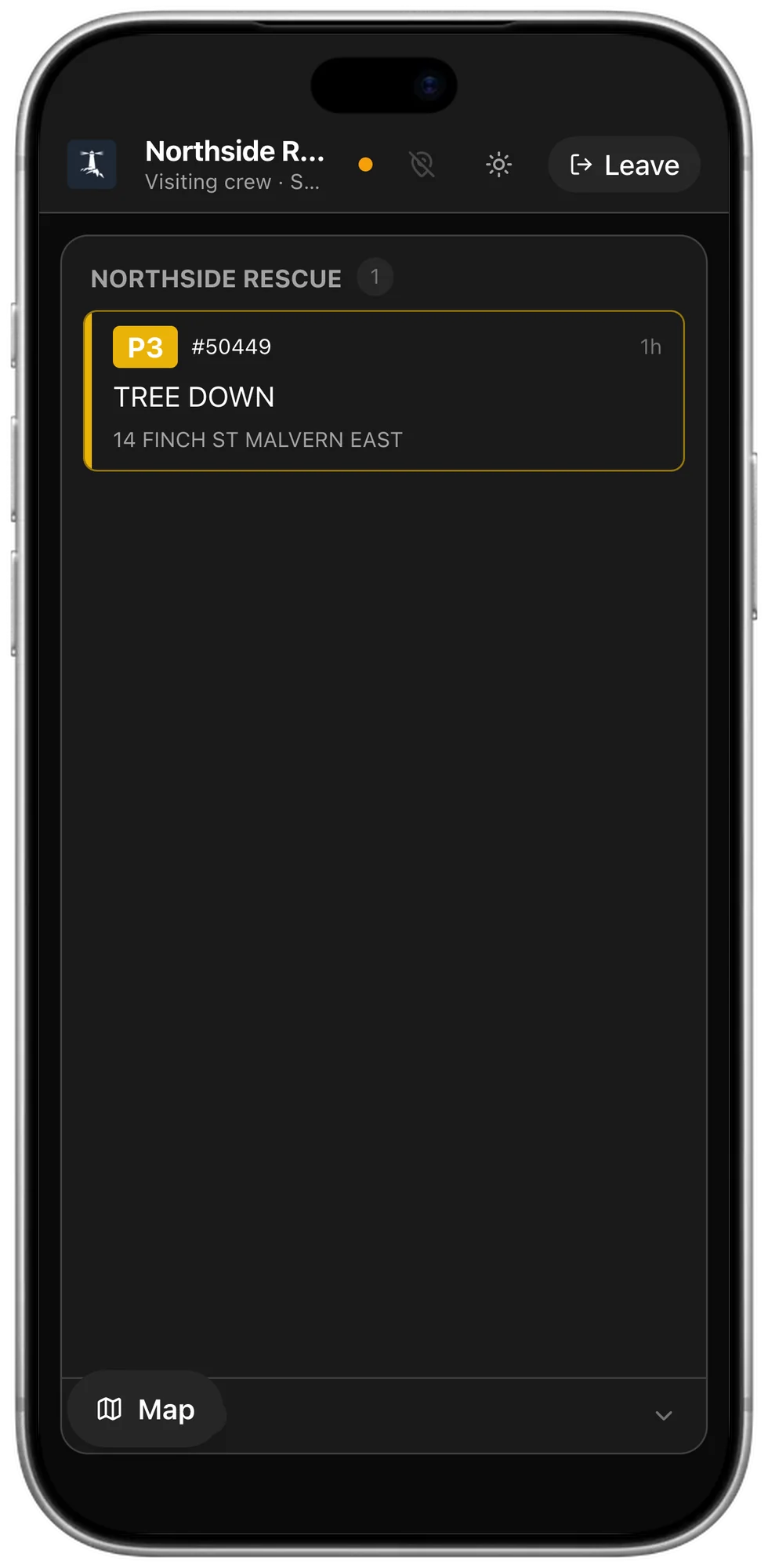
Give a visiting crew access through a link or QR code so they can open their assigned incidents without creating an account or installing an app. It opens at mdt.getvantage.com.au.
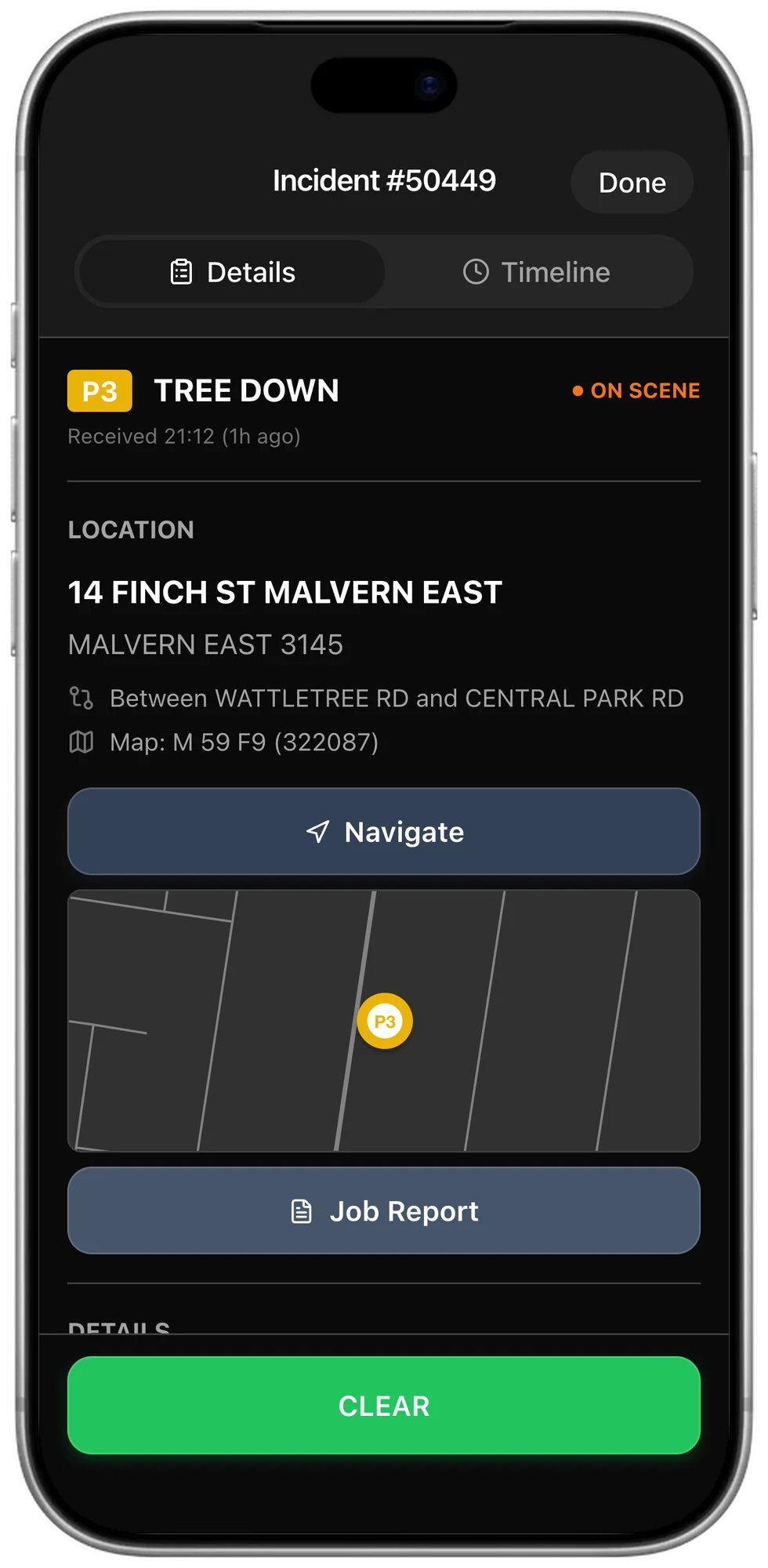
Keep access focused on their assignment
Visiting crews see only the incidents assigned to them, so sharing the work does not mean opening up your whole board.
Questions
Which devices does it run on?
iPad, iPhone, and Android tablets and phones. It is laid out for an iPad mounted in a vehicle, and the same app works on a member's own phone.
Do we need to buy terminals?
No. Use the iPads, tablets and phones you already have.
What is in the app?
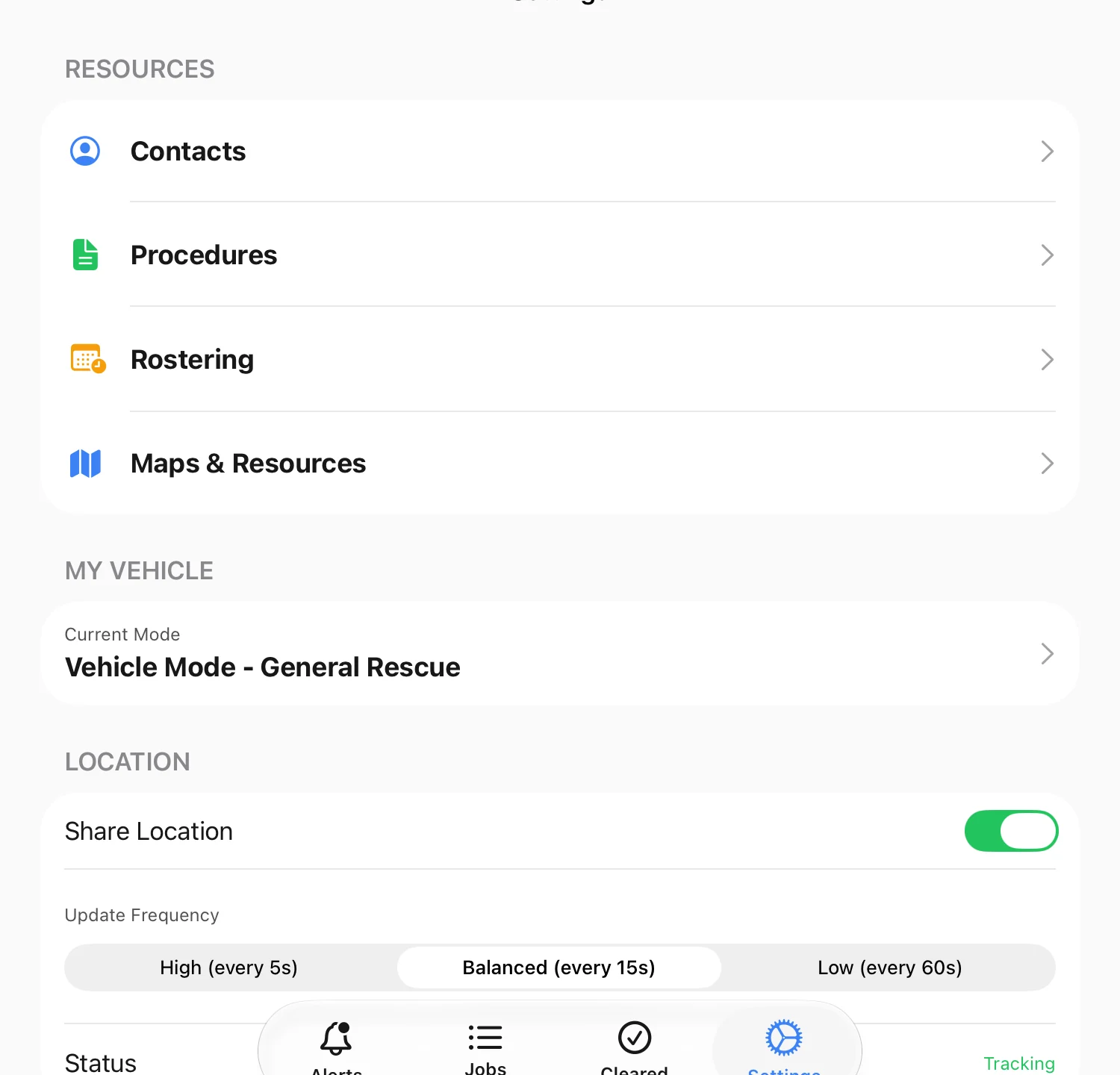
Tabs for incidents, cleared incidents and settings, with the map beside the board on an iPad. Contacts, procedures, rostering and reference maps are kept in settings. Organisations with alerting also get an alerts tab.
How often does a vehicle report its position?
Location updates can run continuously in focus mode. Outside focus mode, the default interval is 15 seconds, with 5-second and 60-second options.
Does a visiting crew need an account?
No. A Guest MDT opens in the browser from a link or a QR code, and only shows the incidents that crew has been given.