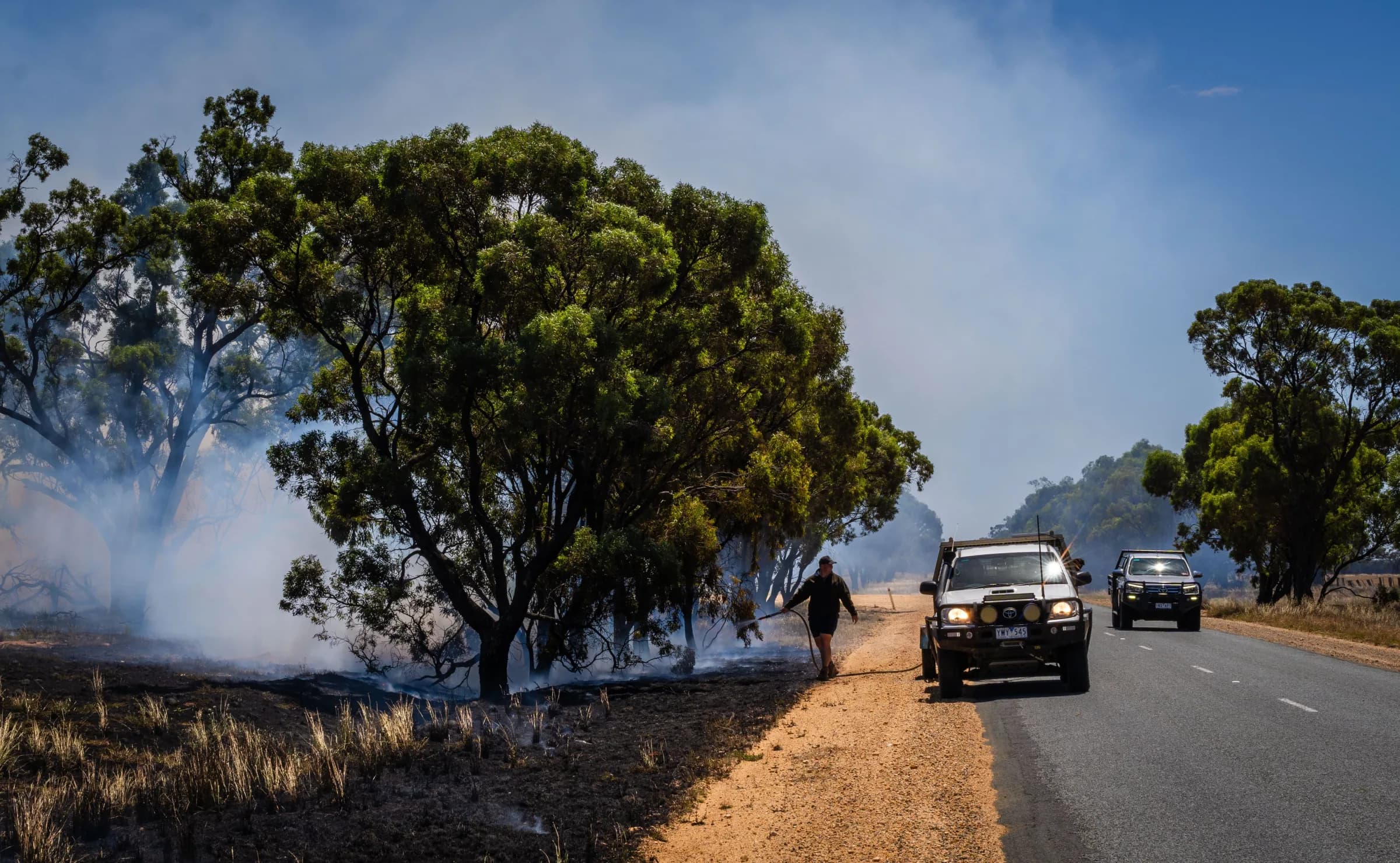
Know who can respond when the call comes
Give members the incident details and response buttons you choose, so you can see who is attending, and offer them directions to the scene as they reach the station.

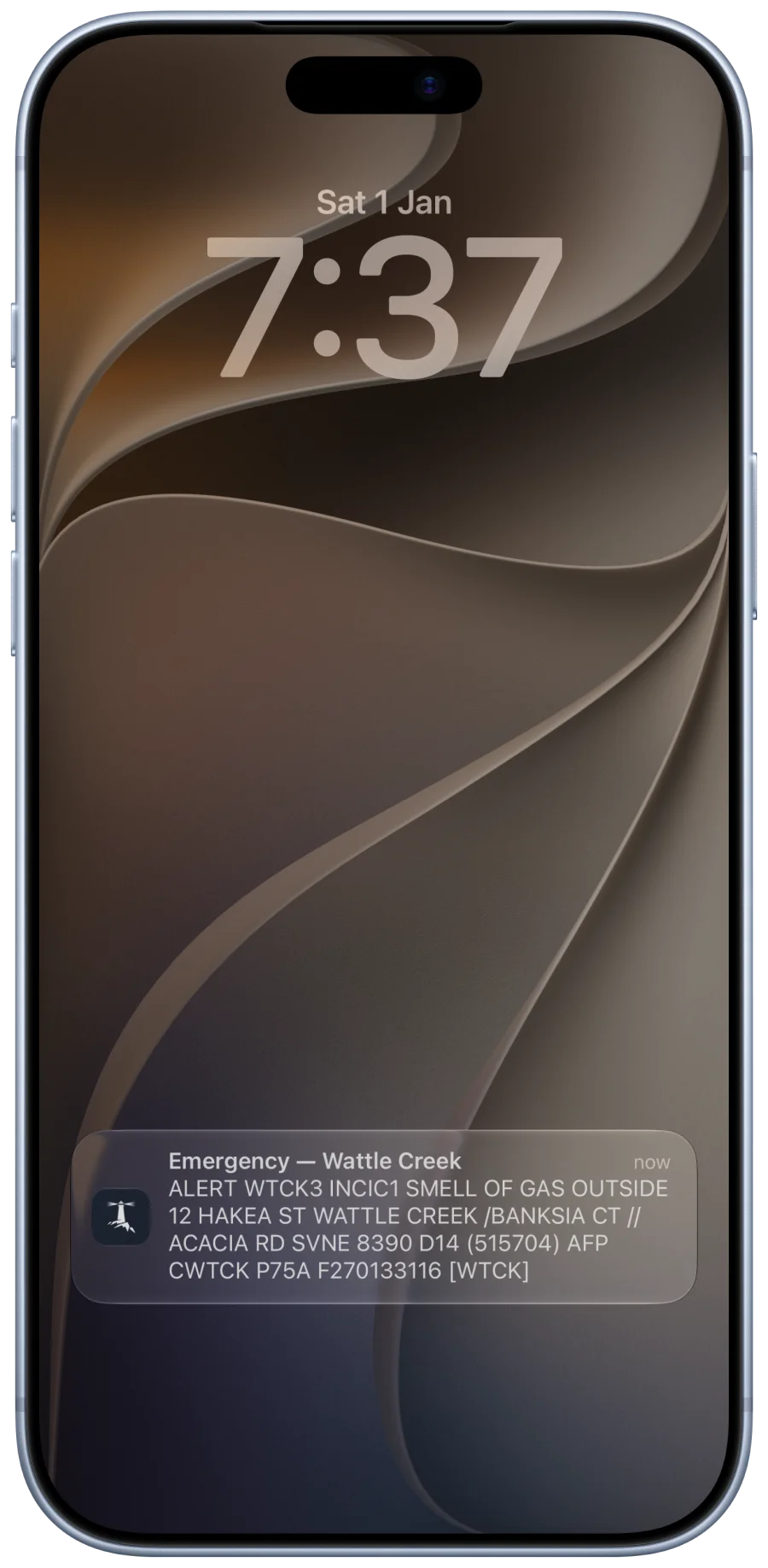
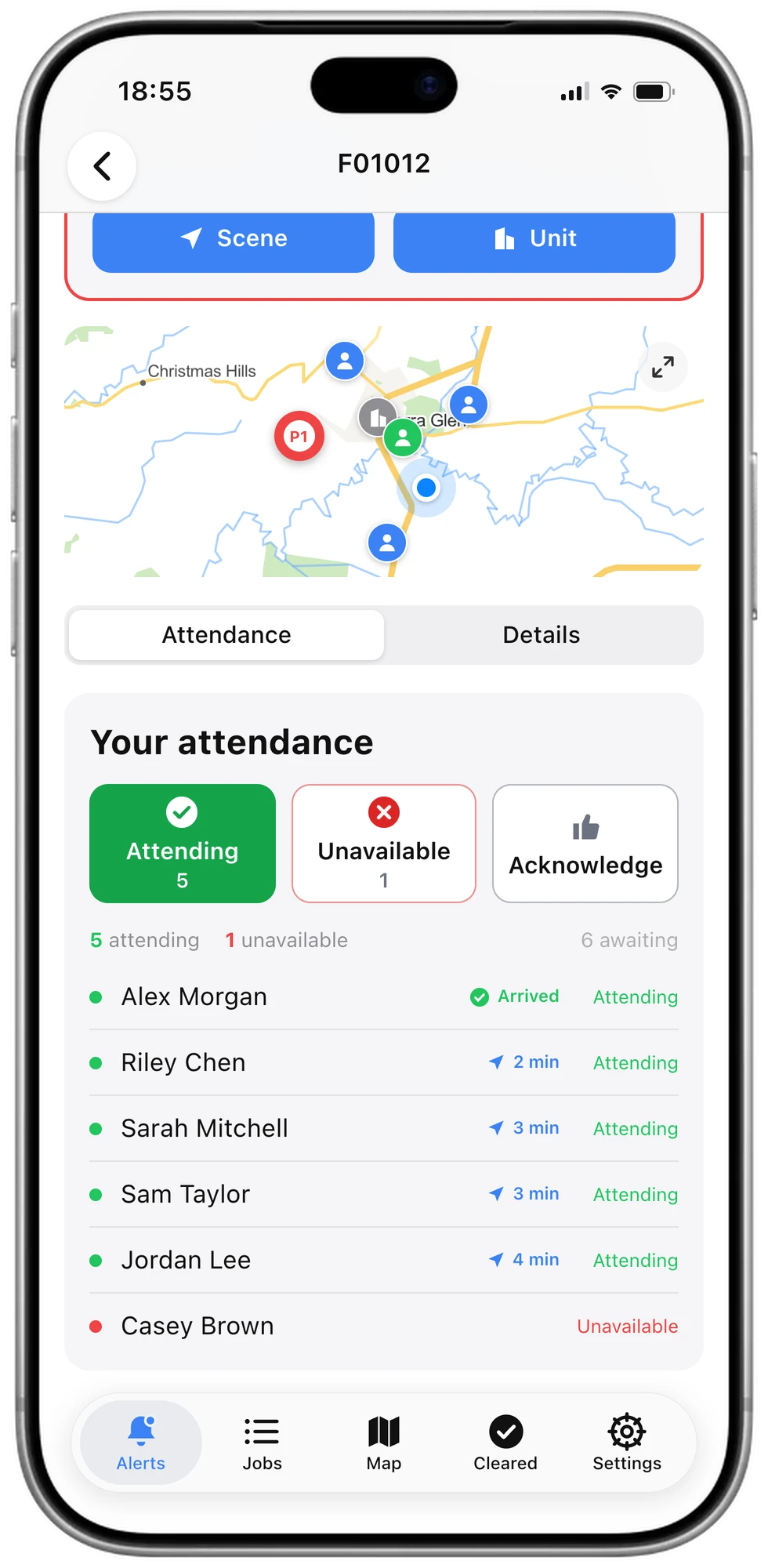
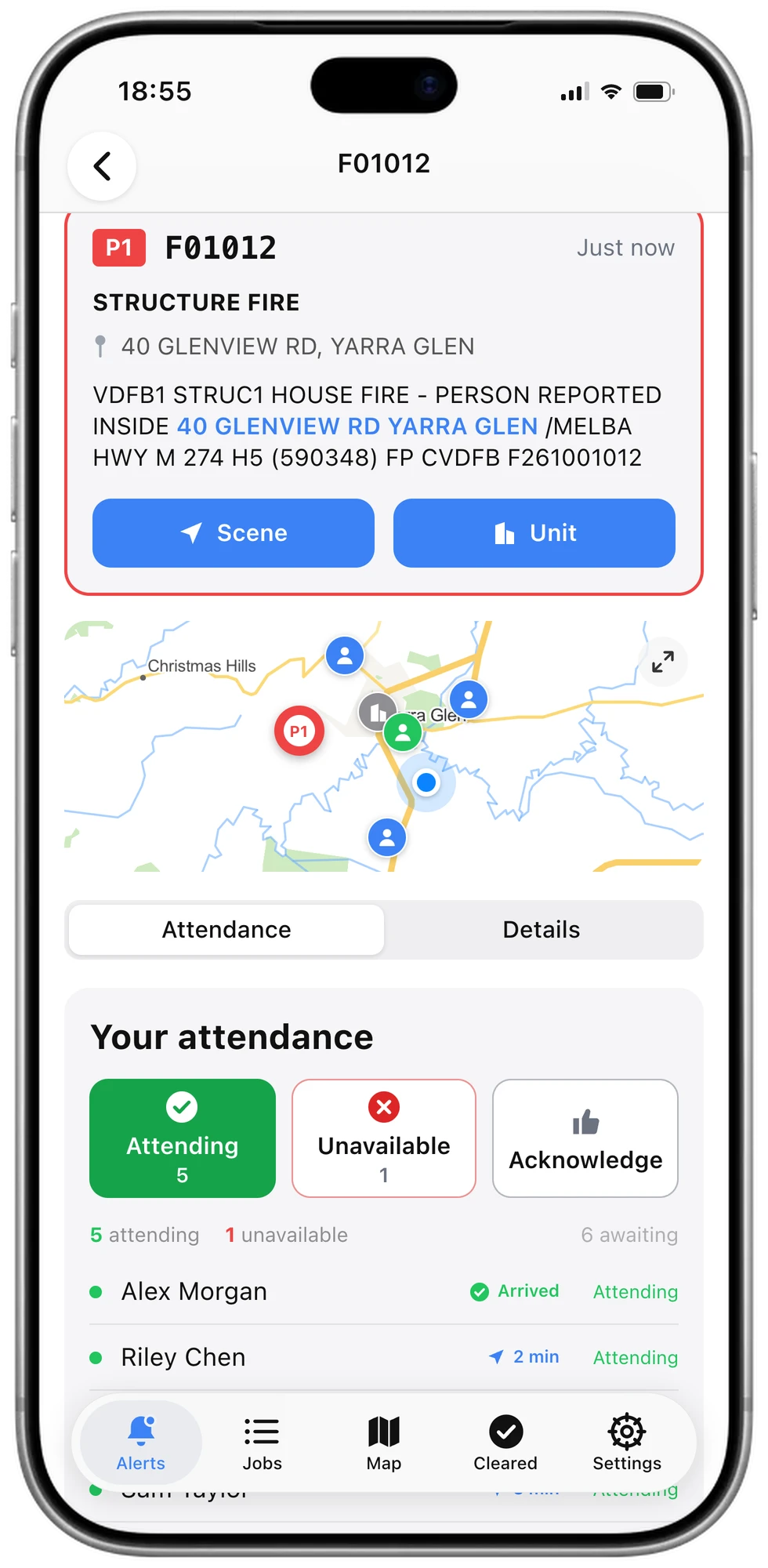
Help members respond with a clearer picture
Members read the message, check the location and answer from the same screen. Those attending then show on your map as they make their way to the station.
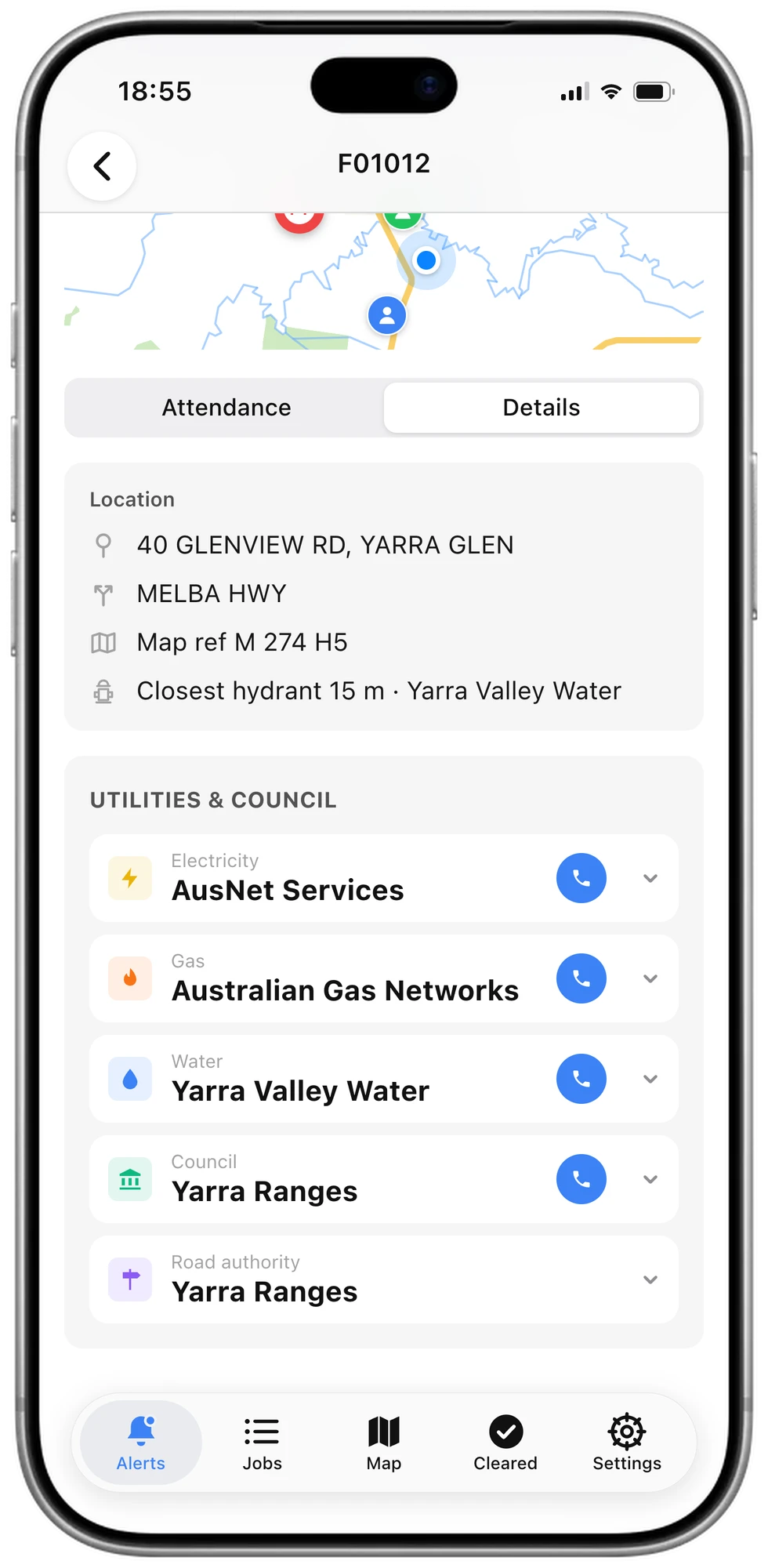
Know which way to turn out of the station
When you reach the station, the first thing you need is where the incident is. Your phone offers directions to the scene as you pull in, so the route is ready before the truck leaves.
See who is nearly there
An attending member's location is shared while they travel to the station. It stops when they arrive, after 30 minutes, or if they are no longer attending.
One less thing to do in a hurry
The prompt names the incident and its address. One tap checks the location and starts navigation, before you have left the station.
It works with no signal at the station
The phone raises the prompt itself as it arrives, so it does not wait on a connection.
Members can switch it off
It is on to begin with, and each member can turn it off in the app's settings.
Keep the right information reaching your members
Pager alerting and your own channels in one app. Choose which paging channels members follow, then set up groups of your own for discussions, updates and polls.
- Turnouts
- Updates to an incident
- Weather warnings
- Your own pager code
- Your own groups
- Messages to everyone or one group
- Discussions
- Polls
Give urgent alerts the attention they need
Separate emergency alerts from routine notices so members can manage everyday notifications while keeping urgent alerts prominent.
Distinct alerts for emergencies
Emergency alerts use urgent notifications, subject to the device’s notification permissions and a data connection.
Control routine notifications
Notices and non-emergency alerts follow the member's own notification settings.
The app can be closed
Once notifications are on, an alert reaches the phone without Vantage open.
Keep availability within easy reach
Respond wherever you are
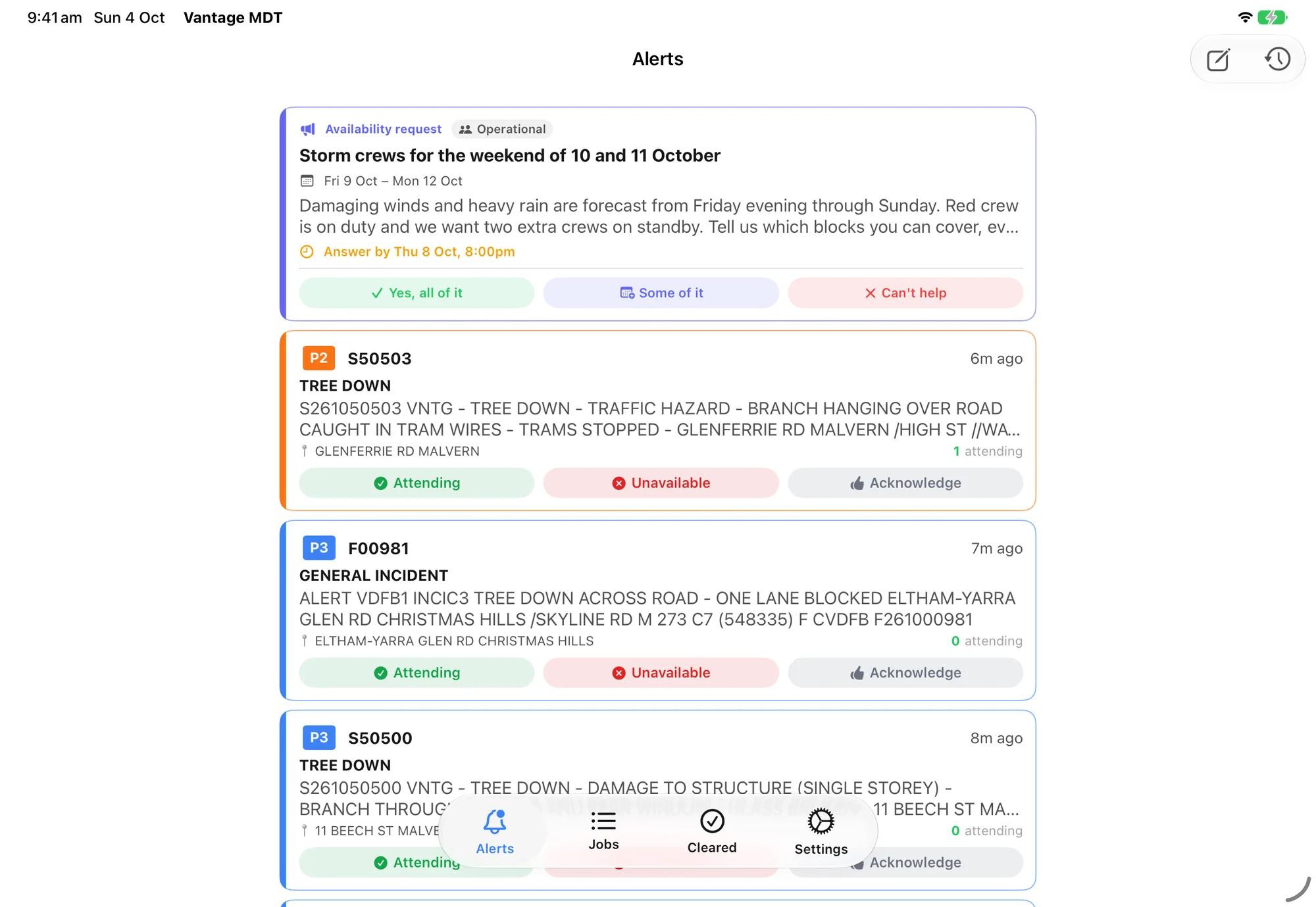
Answer incident alerts and future availability requests from the same app, helping coordinators plan with fewer follow-up messages.
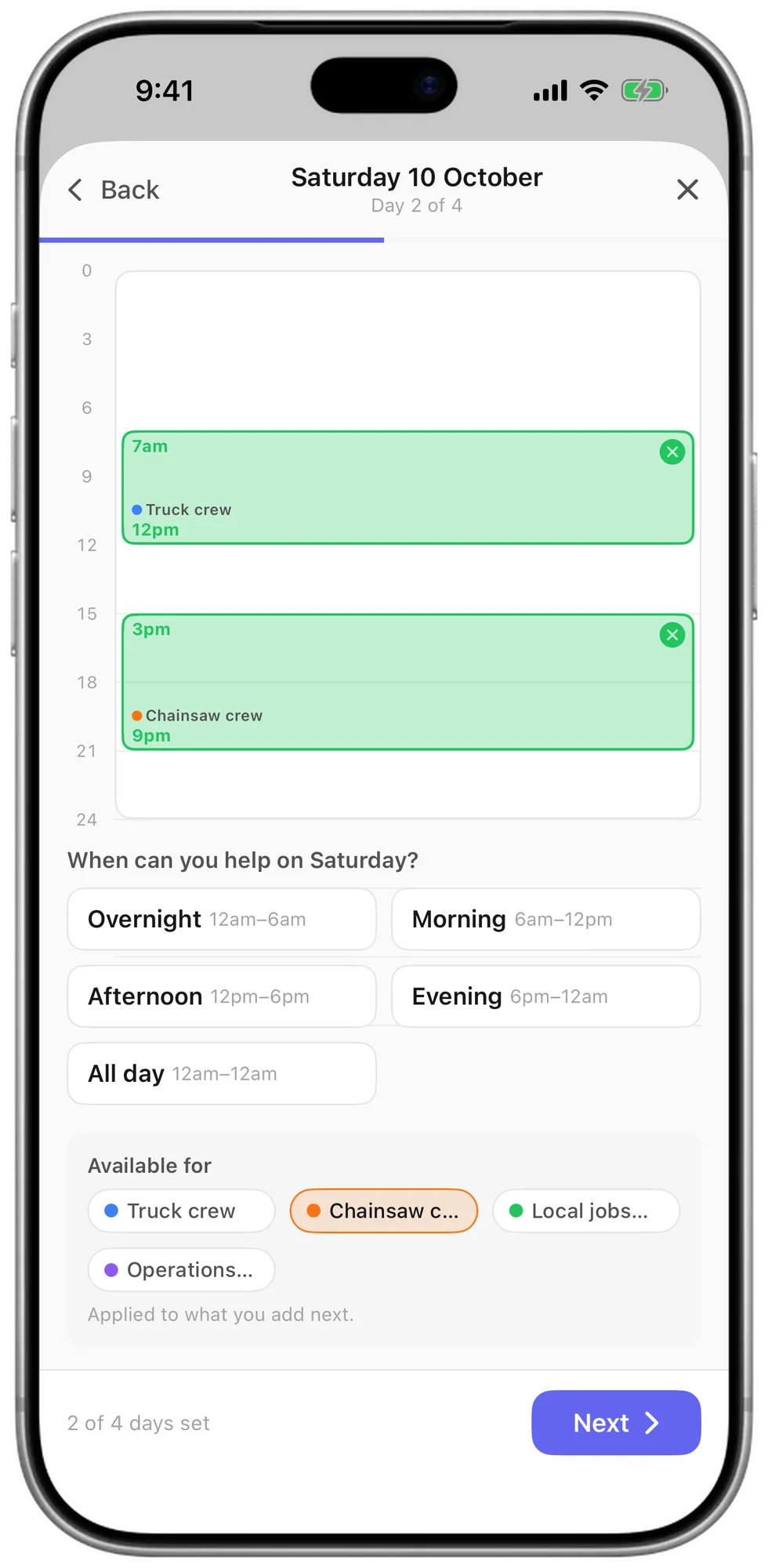
Say exactly when you can help
Answer "some of it" and drag across the hours you are free, with a second block for a split day.
Questions
Does this replace our pagers?
It sits alongside them and does far more with the same message. The alert opens on a map with the address, cross streets, map reference and nearest hydrant. Members answer with one tap, and you see who is coming and how far away they are. The phone can read the incident out while a member drives in, and offers directions to the scene as they reach the station. You also get your own groups, discussions and polls. An alert needs a data connection to arrive, so keep a pager or radio where coverage is poor.
What do members need?
Just their own phone. Members install the free Vantage MDT app on an iPhone or Android phone, sign in, and allow notifications. From then on an alert reaches them even when the app is closed.
Who can see who is responding?
Every member sees the list of who is attending, in the app, as each person answers. Whoever is running the incident sees the same list beside it in Vantage Incident Control.
Is alerting on for every organisation?
Not automatically. We switch it on with you, so your paging channels and response buttons are set up before members start relying on it. If you cannot see it yet, get in touch and we will turn it on.