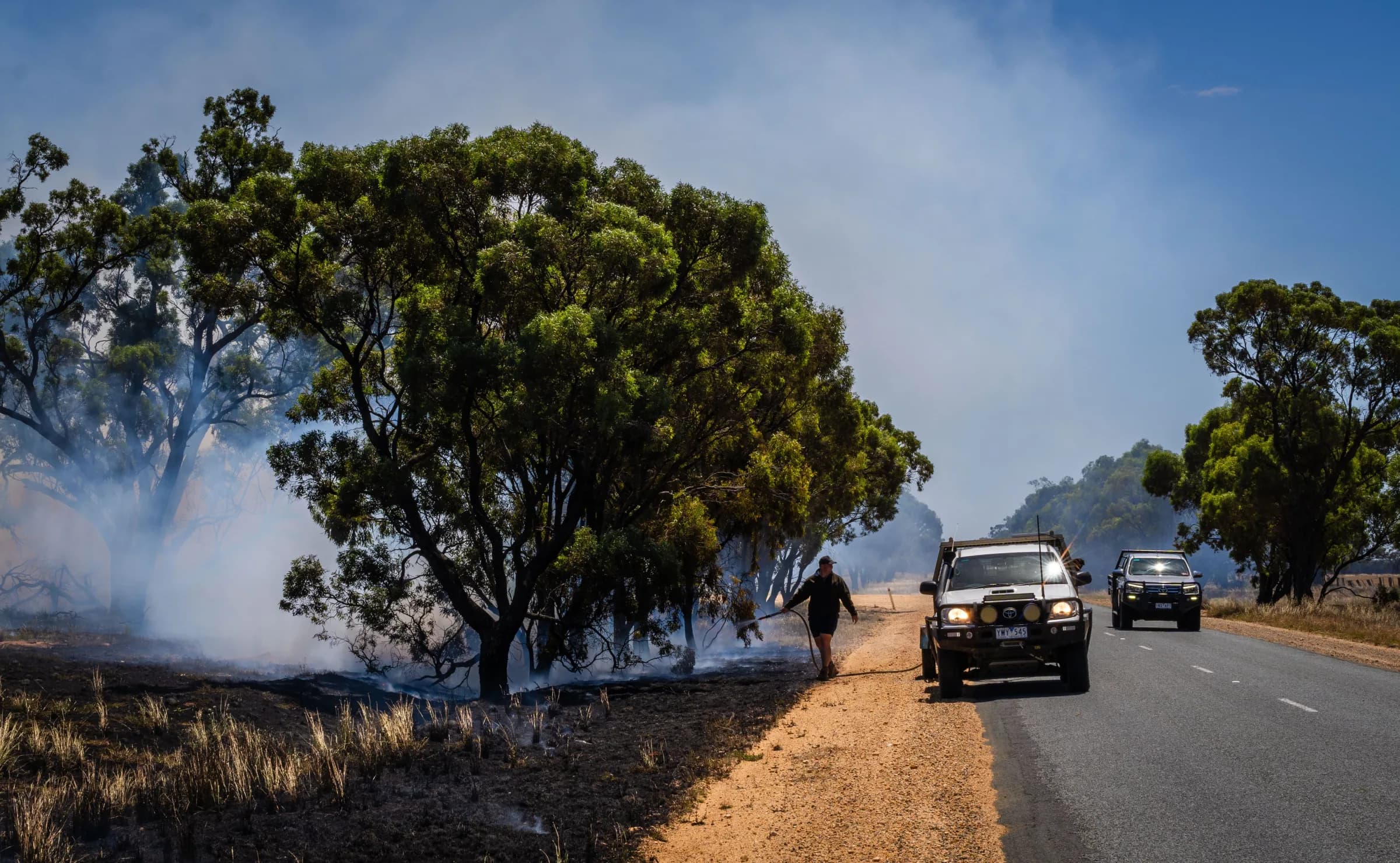
Help your people grow and keep their skills current
Give members a clear next step and coordinators time to plan, with qualifications, training pathways and operational experience connected, and members recognised as they build their skills.

Plan training around the gaps that matter
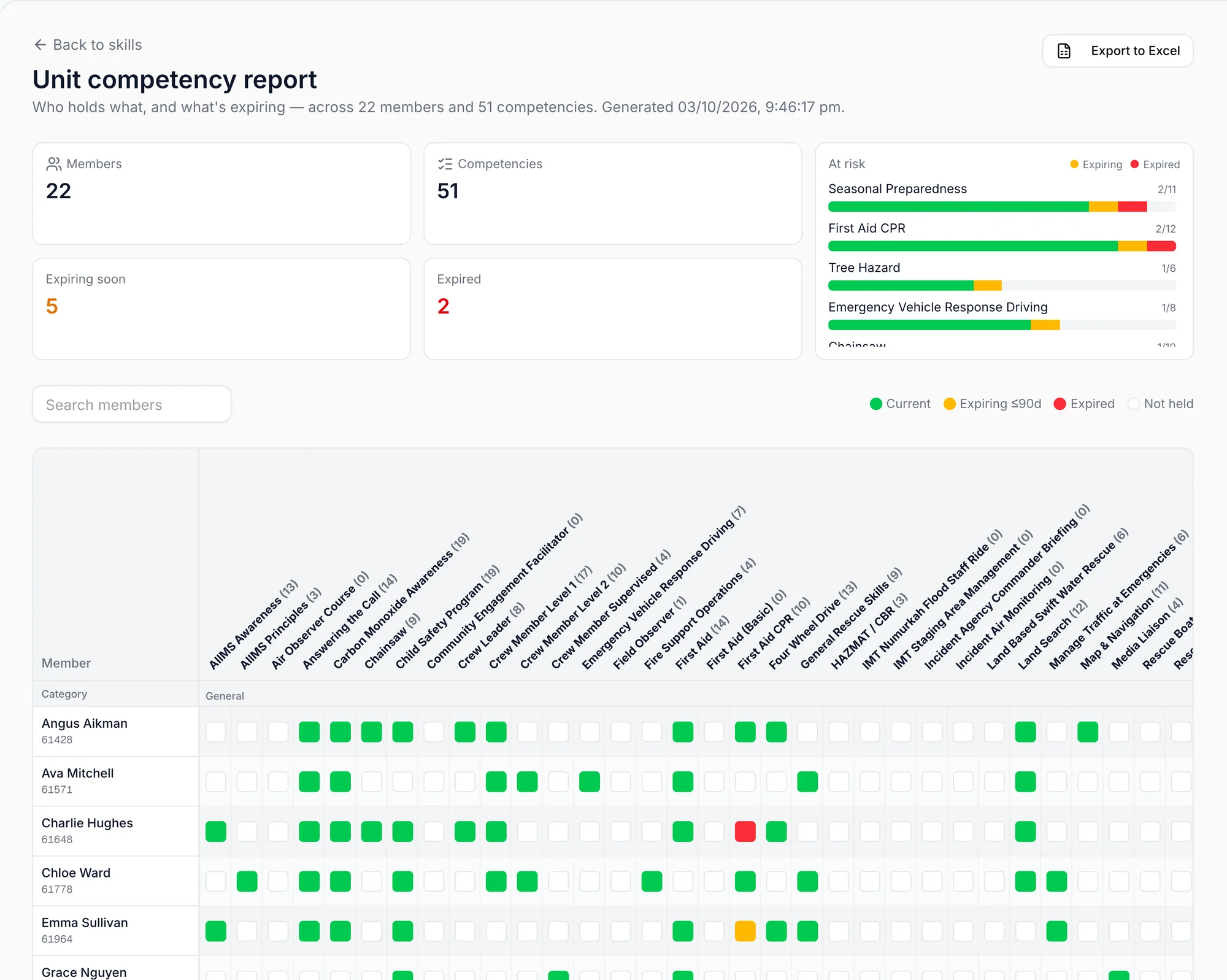
See current and expiring qualifications across your members so you can prioritise training before essential skills lapse.
- 1
What lapses next
A count of everything expiring in the next 90 days.
- 2
Spot gaps in current qualifications
See which skills need the most attention.
- 3
Know who may need support
Identify the member and qualification to follow up.
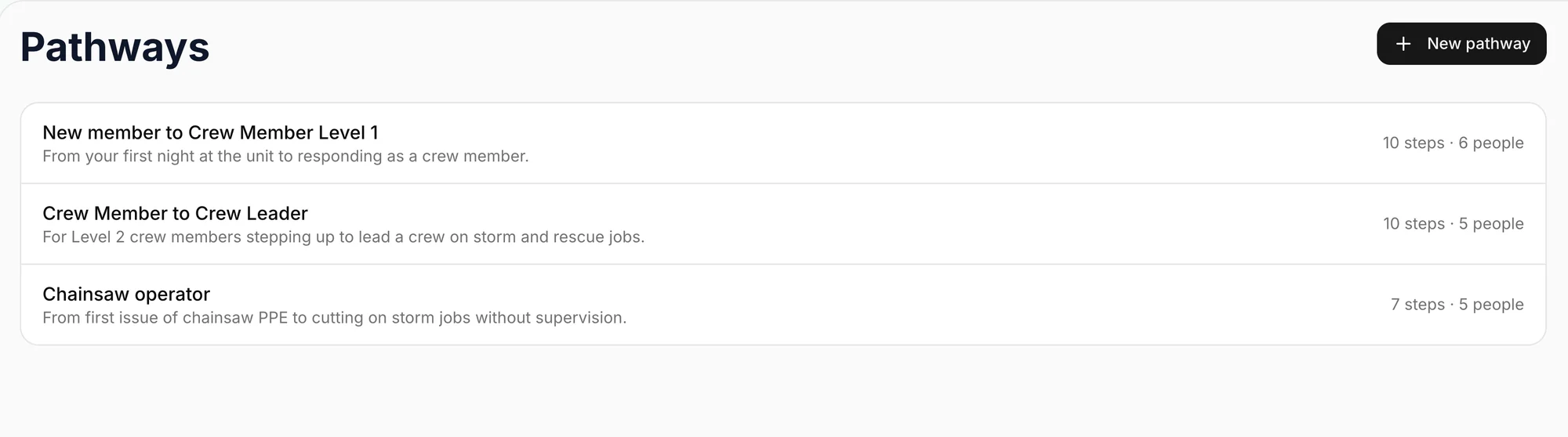
Make the next step in their development clear
Help members see how to progress
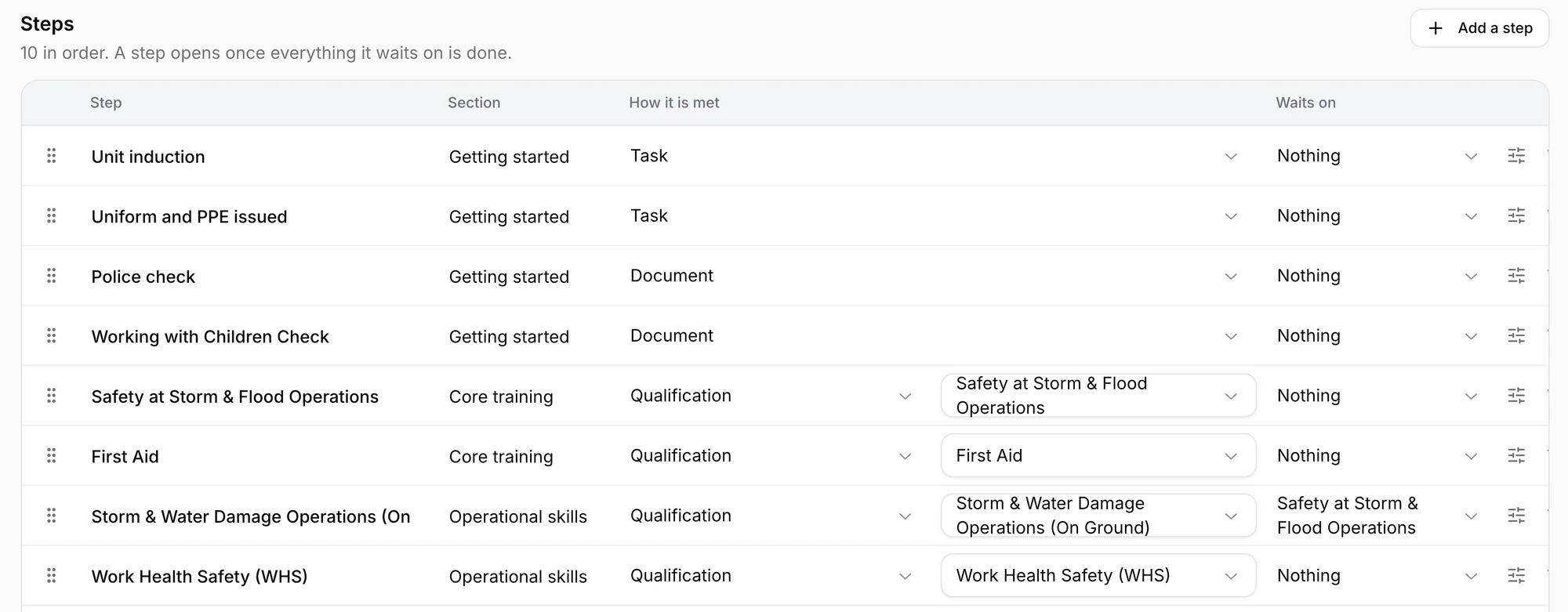
Set out the tasks and qualifications each stage requires, with progress updated as qualifications are recorded.
Give each member a consistent start
Create a pathway you can reuse so members have clear expectations and coordinators can see where support is needed.
Make experience easier to recognise
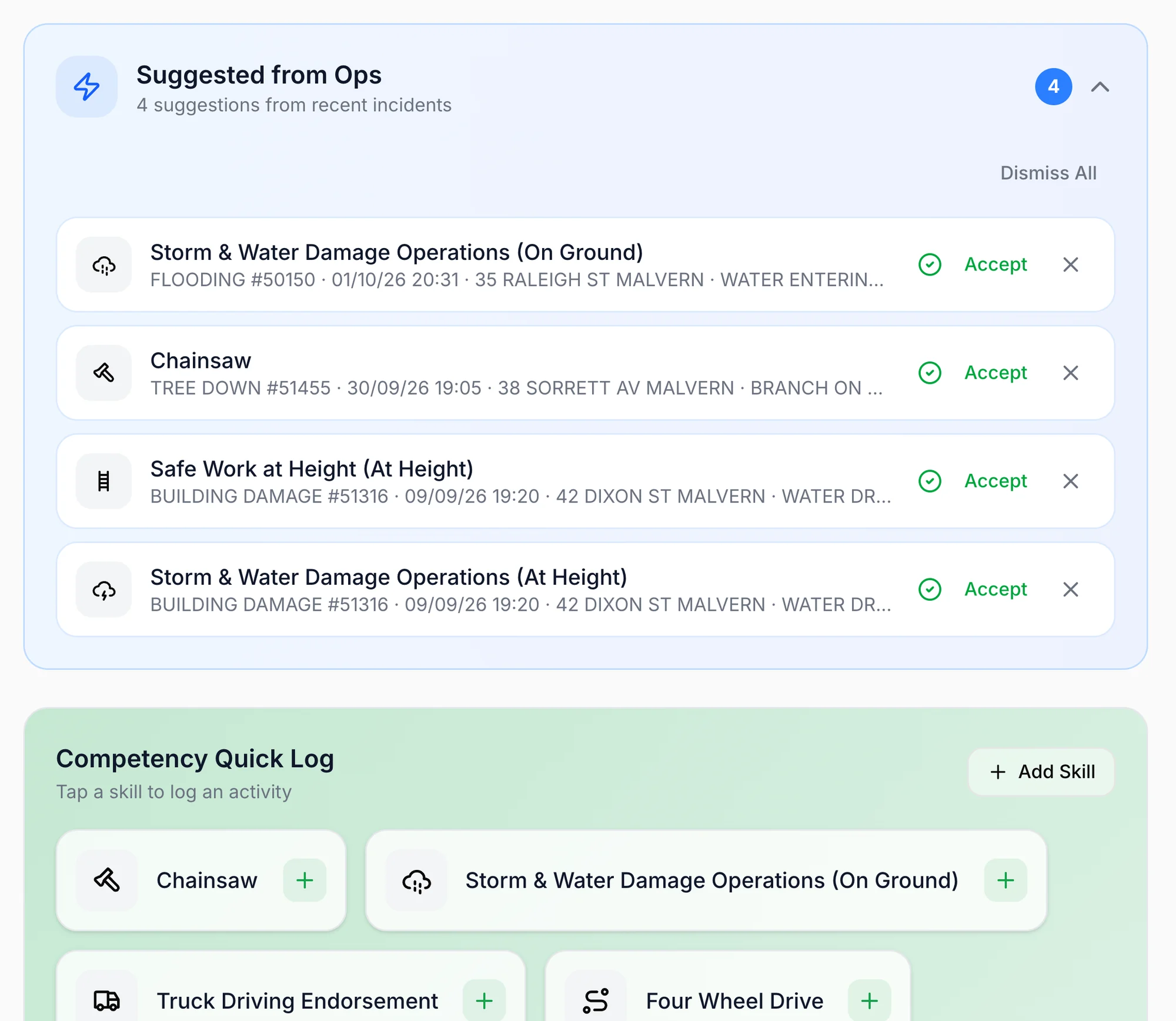
Spend less time rebuilding your logbook
Vantage suggests entries from the incidents you attended, matched to the qualifications you hold, so a chainsaw incident is offered against your chainsaw qualification while the details are still fresh.
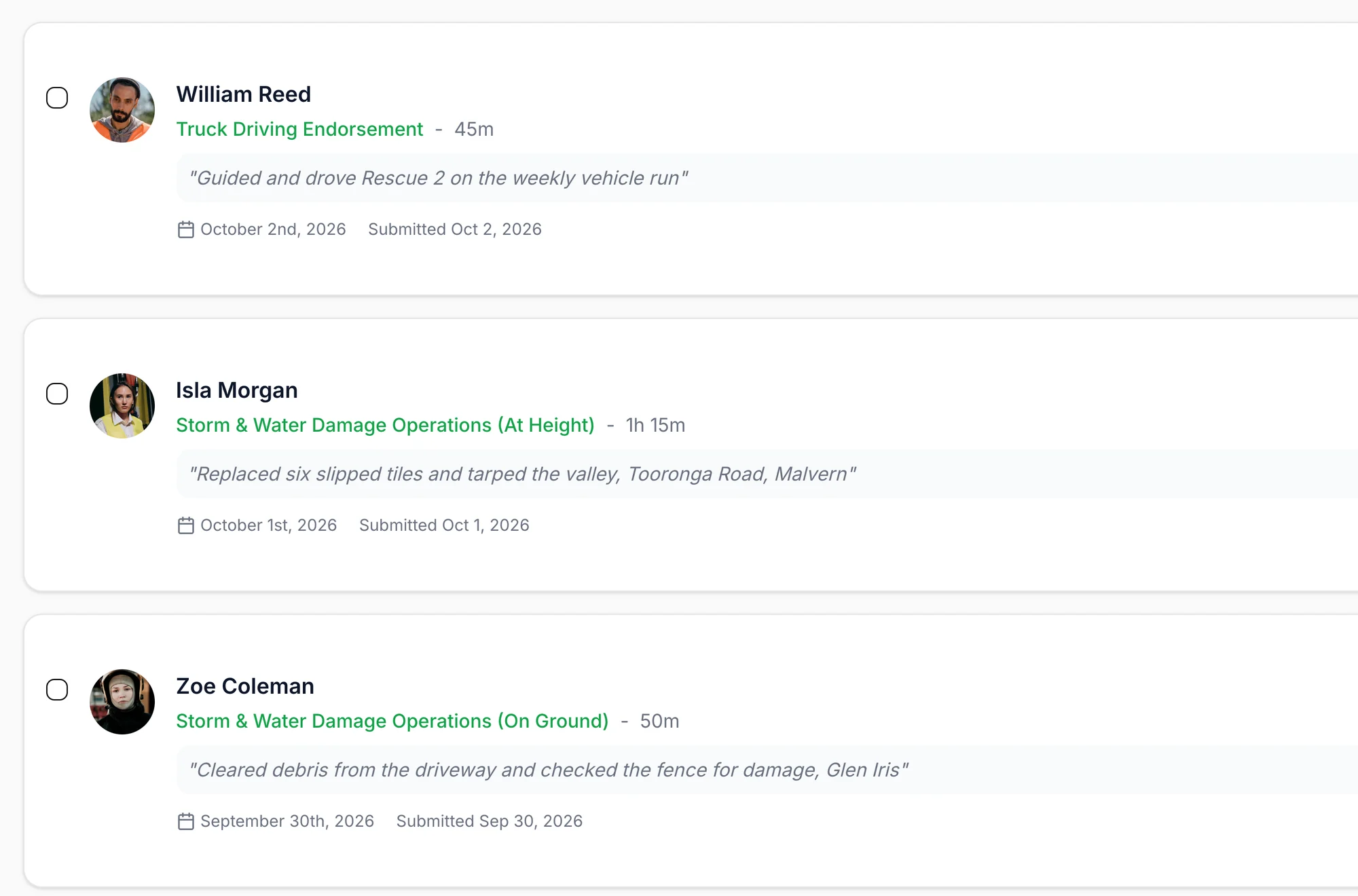
Give reviewers the context they need
Review the member’s account of what they did alongside the entry, so sign-off is based on a clearer record of their experience.
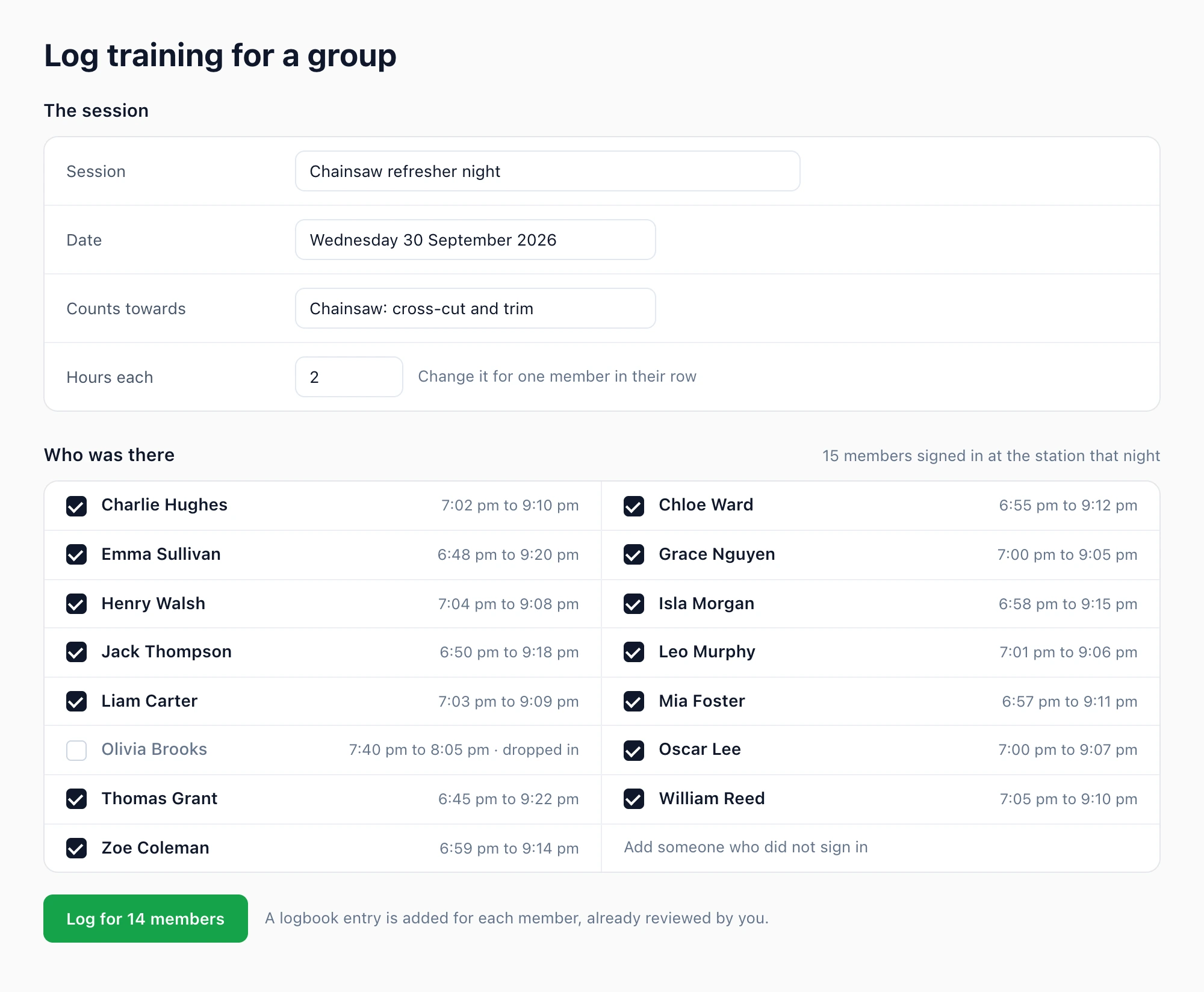
Log a whole training night in one go
Record the session once and tick who was there, starting from the members who signed in at the station that night. Every member gets their logbook entry without filling in a form each.
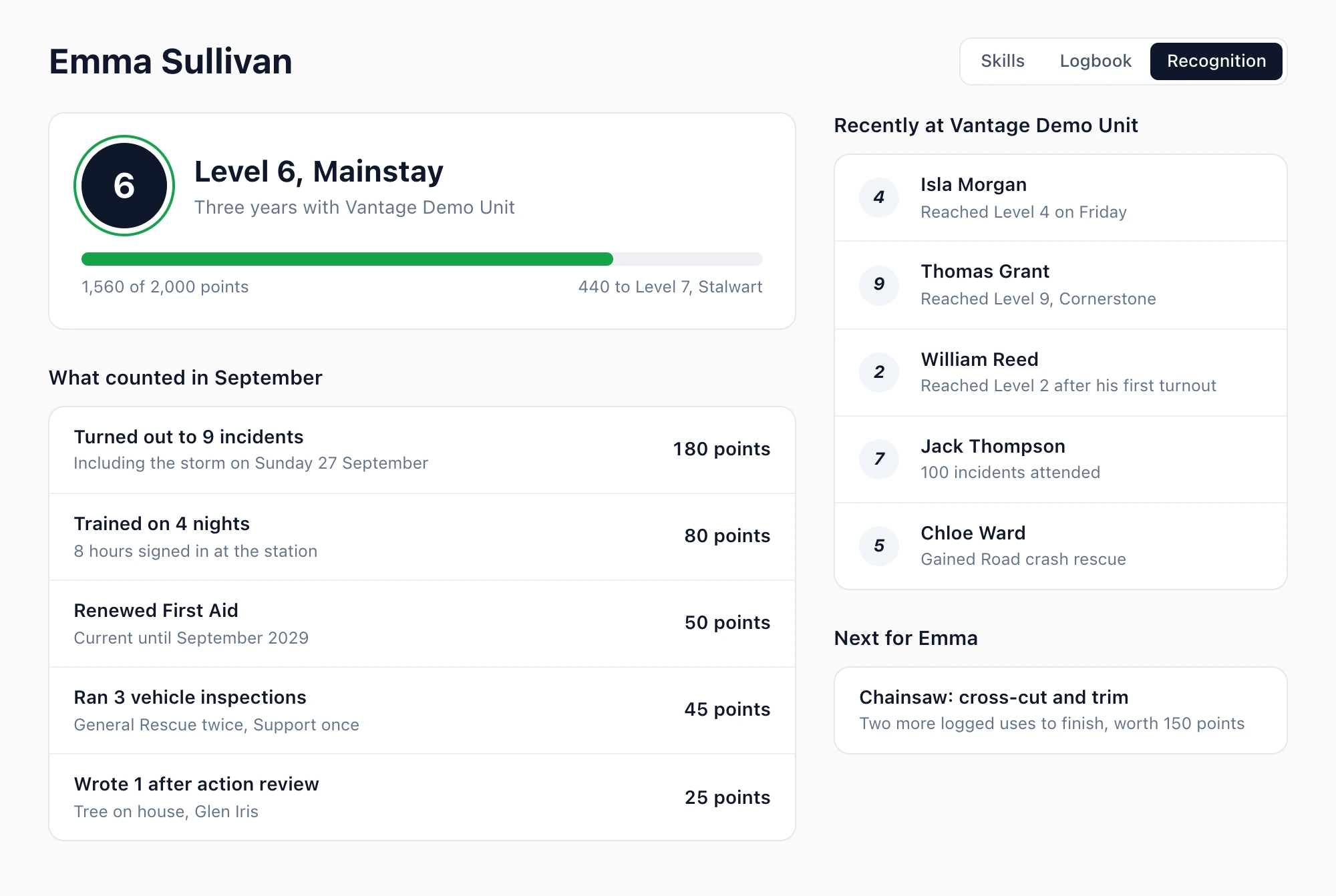
Recognise the members who keep turning up
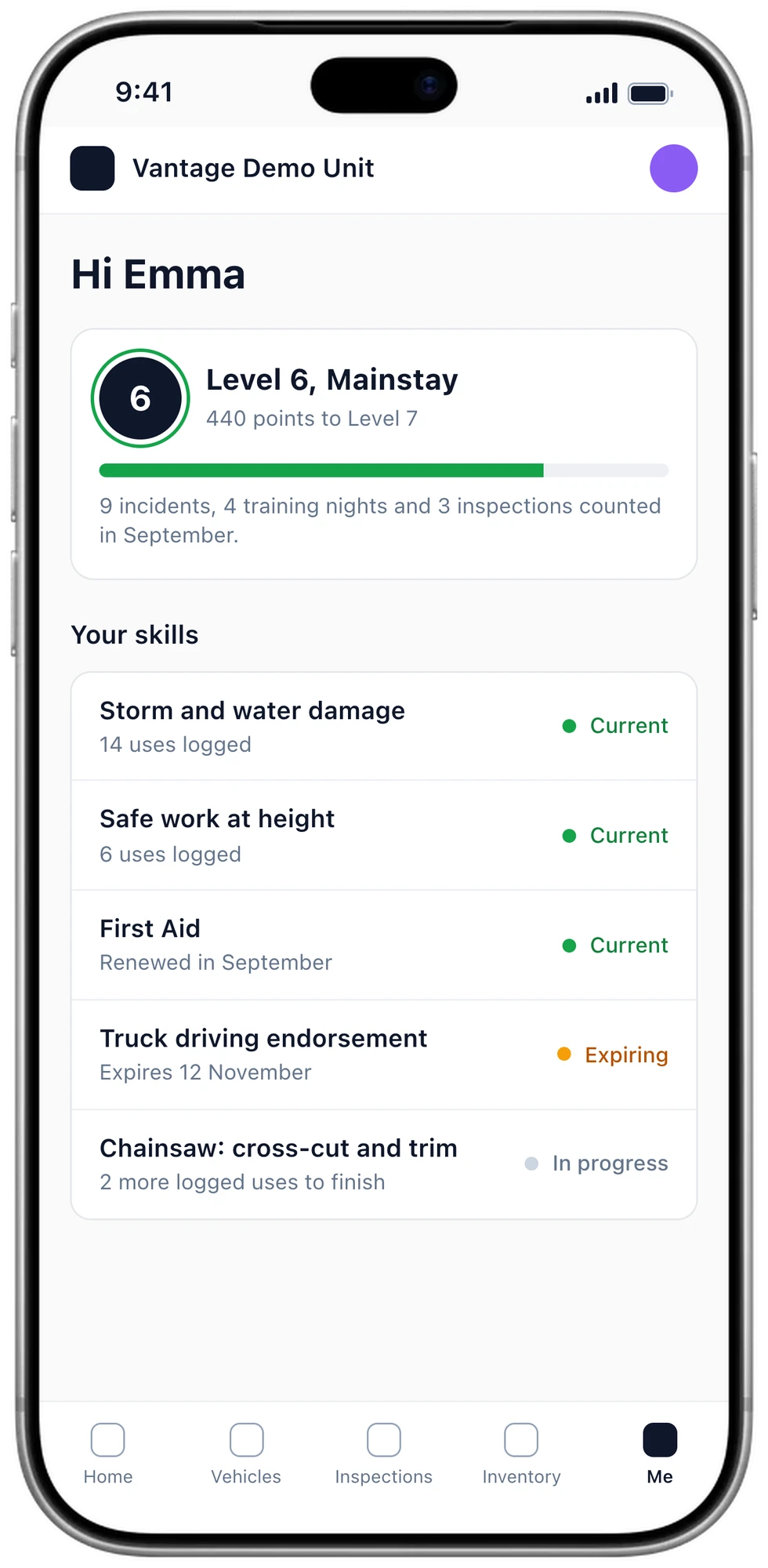
Members earn their way through levels by turning out, training and contributing, so upskilling is noticed and the effort people put in is visible to the whole unit.
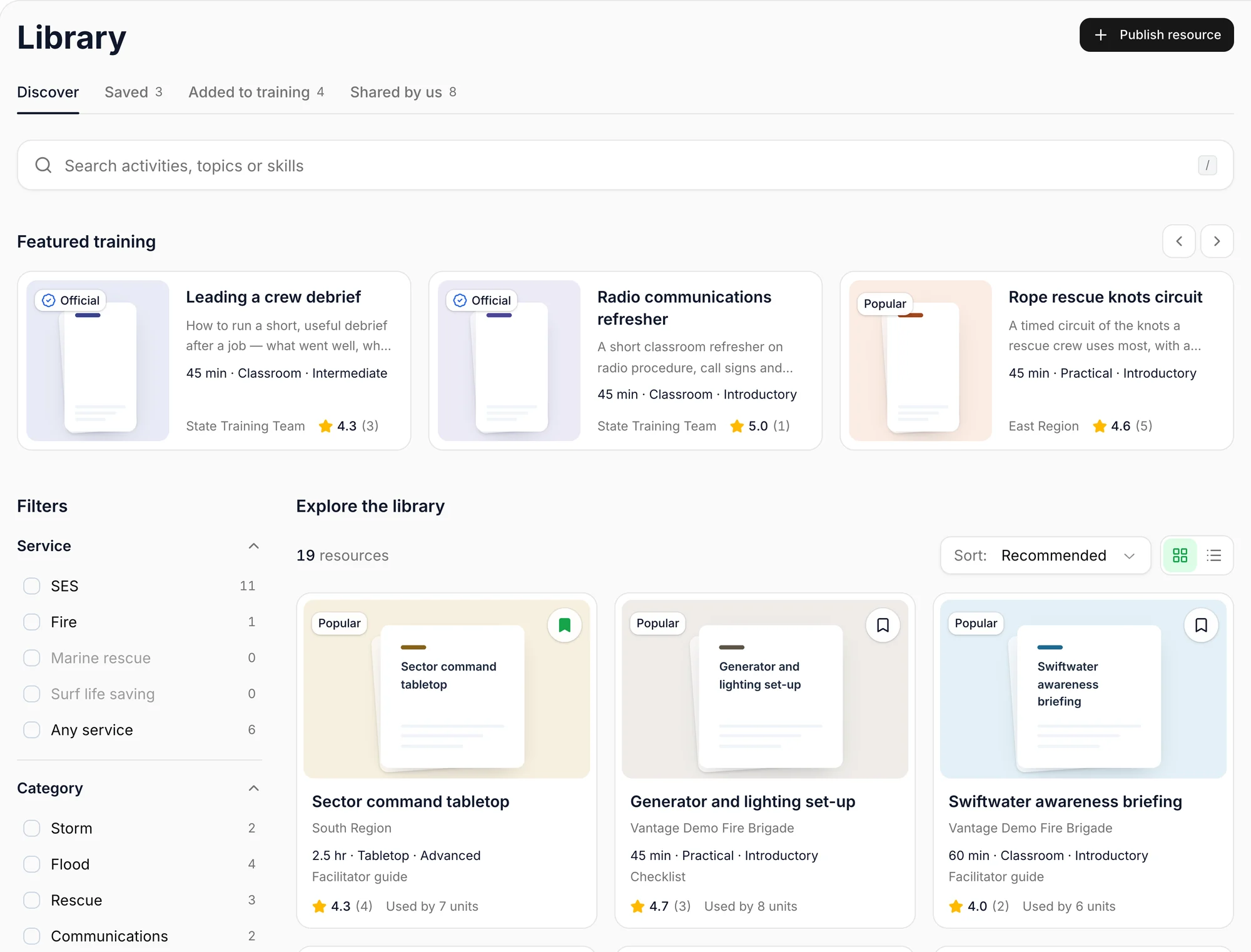
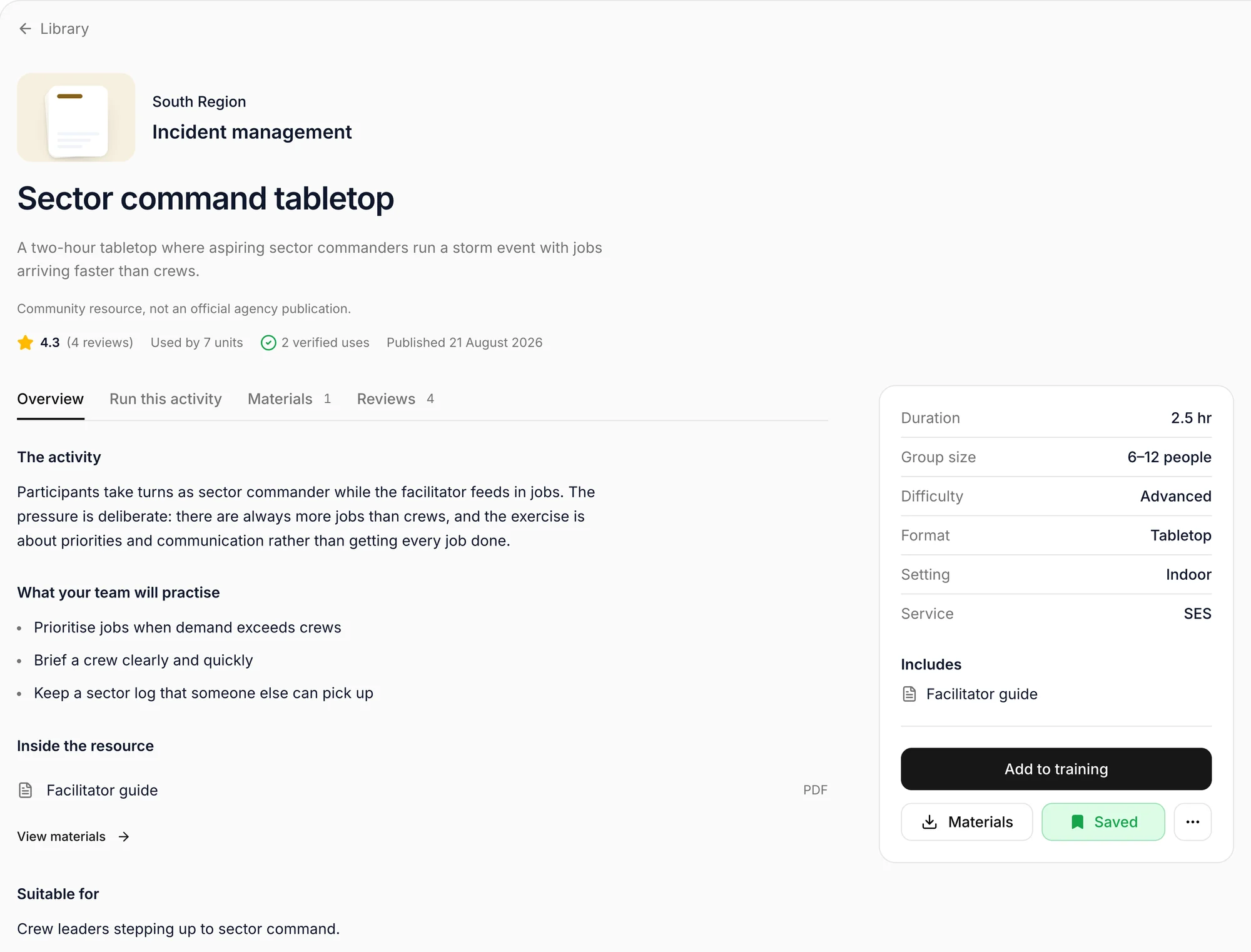
A training library, only on Vantage
Coming soon: a community of training plans built and shared by other units and brigades. Pick one, add it to your calendar and run it, so the training officer is not starting every night from a blank page.
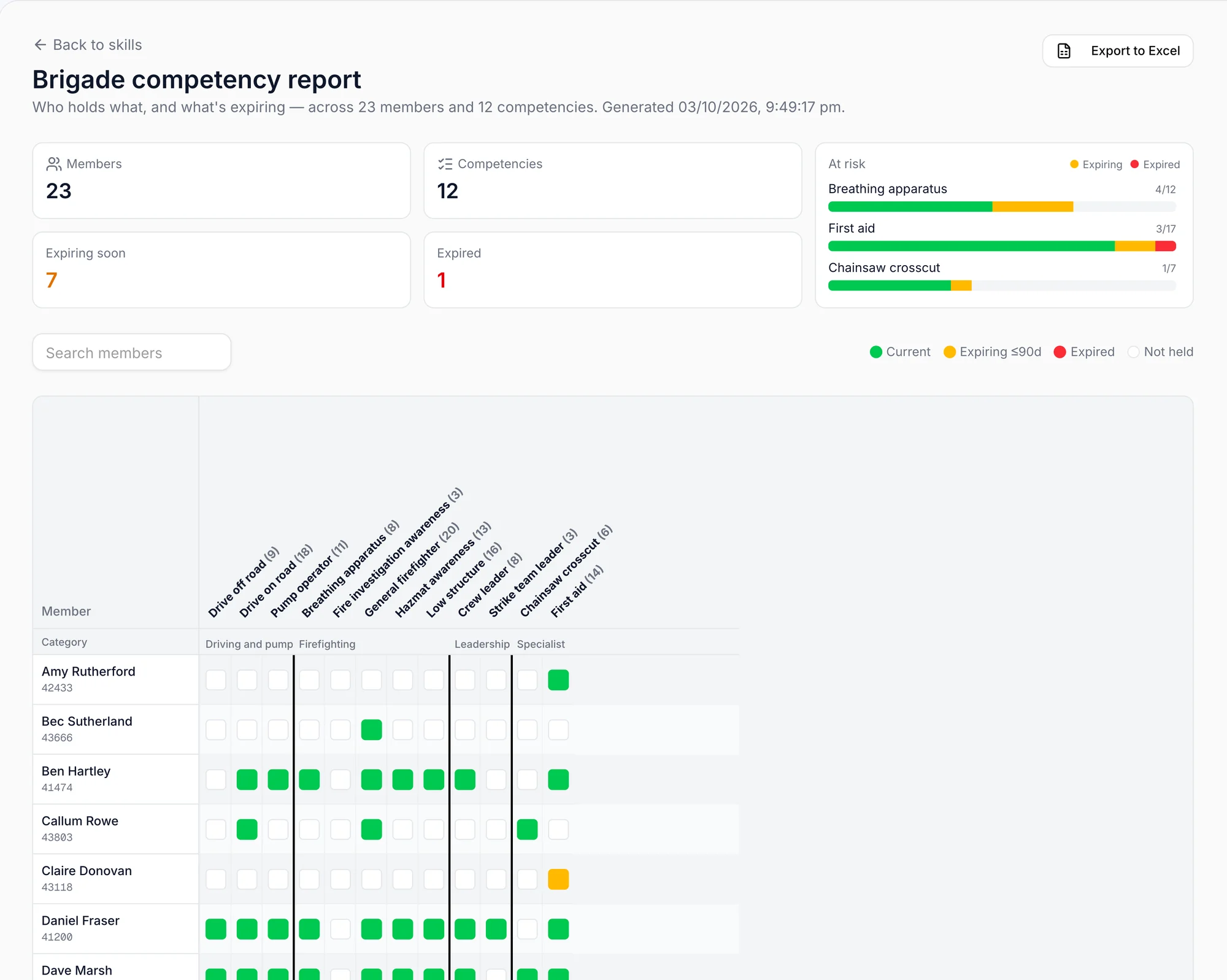
Understand the skills your brigade can draw on
See qualifications across the brigade to support training plans and conversations about who is ready for their next step.
Questions
Can members see their own record?
Yes, and it is theirs to keep up. Each member sees the skills they hold, what is about to expire, their logbook and how far they are through their pathway, on the web or on their phone.
Can we use our own competencies?
Yes. You are not fitted into someone else's list. Bring in the qualifications your service already uses, add the ones particular to your station, and import the lot from a spreadsheet.
Do qualifications connect to anything else?
They run through the rest of Vantage. Rosters check that tonight's crew has the skills it needs, cover can be limited to members qualified to give it, and logbook suggestions are matched to what each member holds.
Can it be exported?
Yes. The competency report exports to a spreadsheet whenever you need it for a meeting, an audit or your region.