Make people feel welcome from their first enquiry
Give prospective volunteers a thoughtful, organised start, with clear follow-up for your team and less administration between an application and a new member joining.

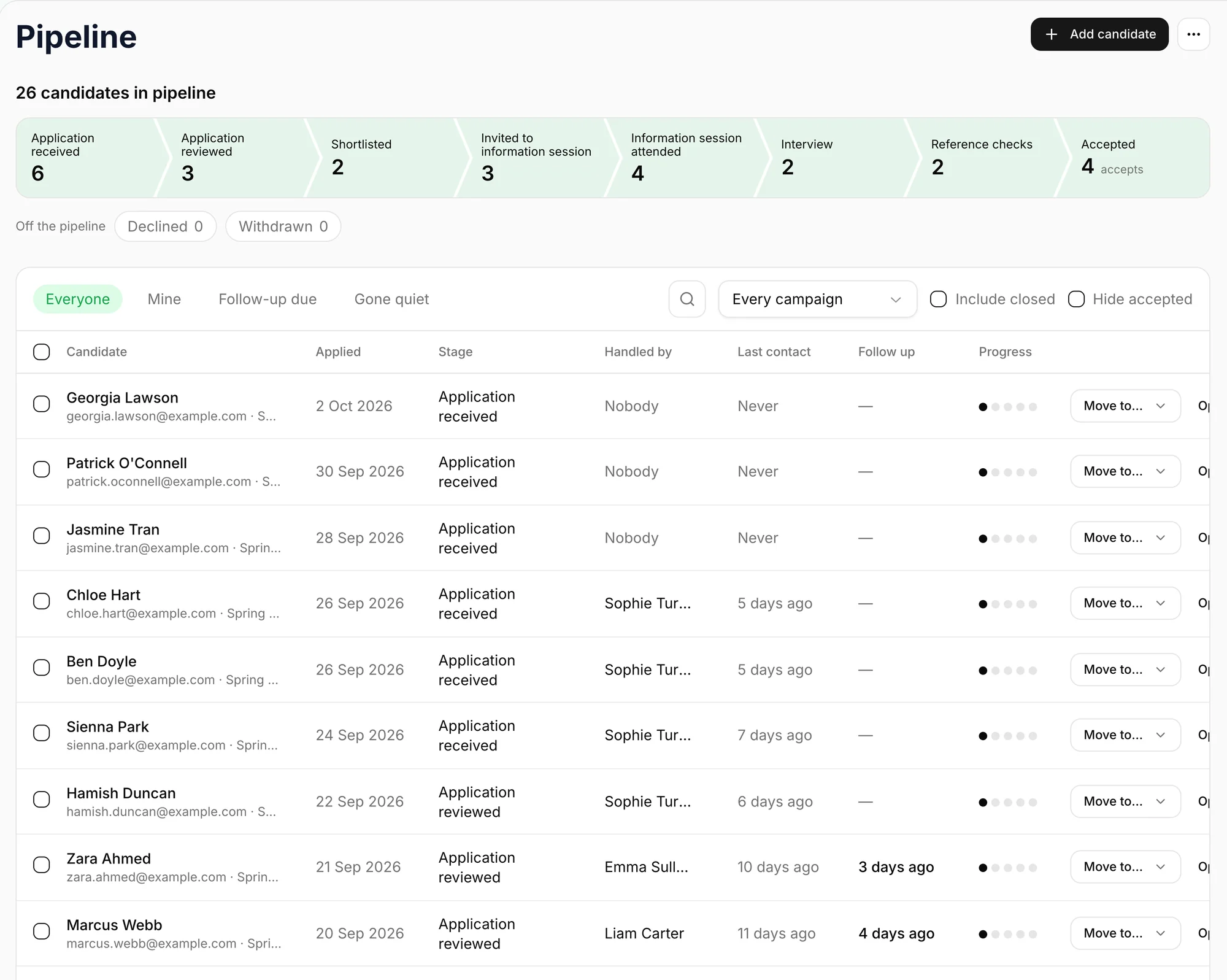
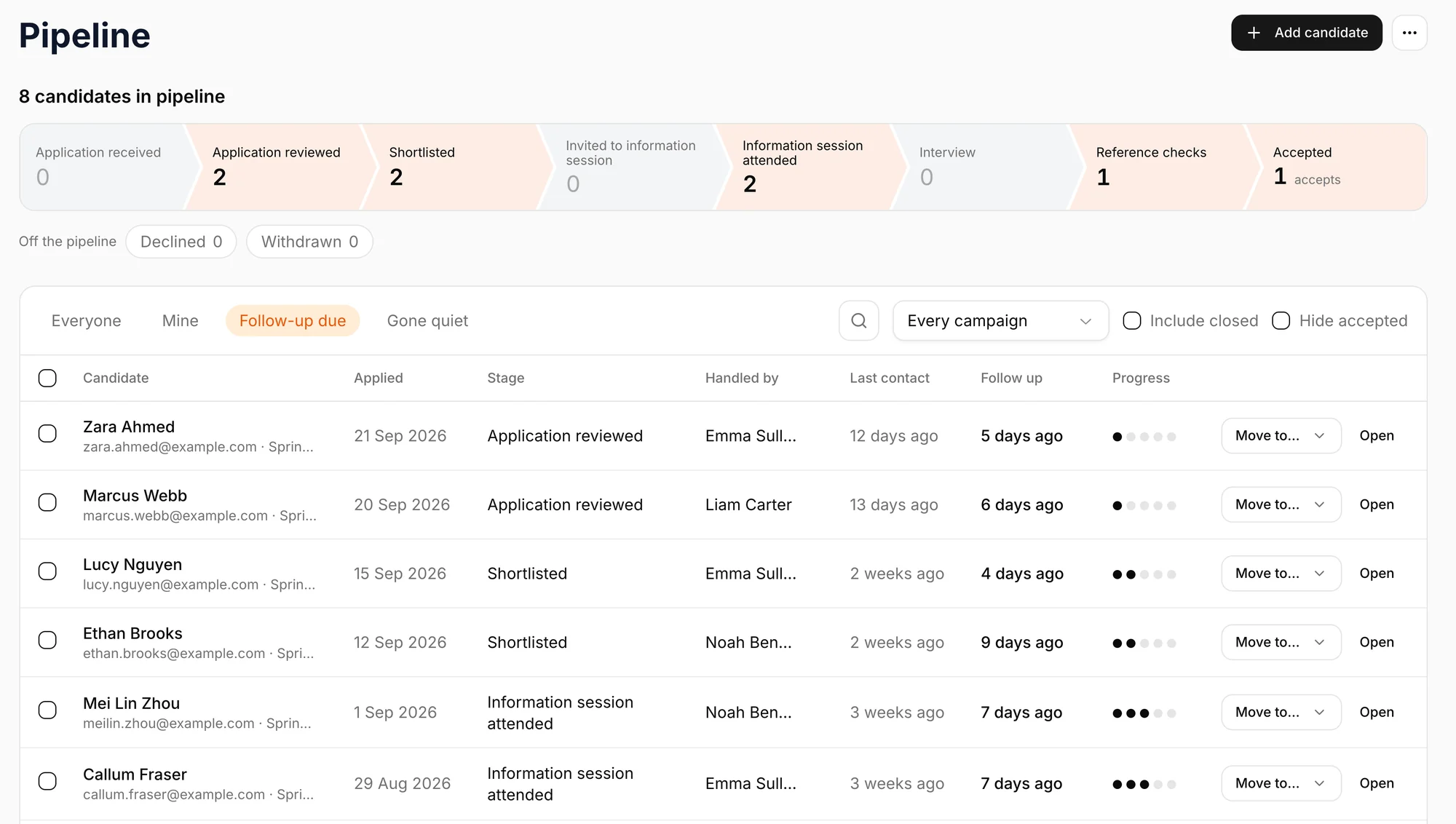
Keep promising applications moving
See who needs a reply, who is ready for the next stage and which applications have gone quiet, so interest does not get lost in a busy inbox.
Build the recruitment process you actually run
Add as many stages as you like and name them your way. When a candidate reaches a stage, Vantage can do the next job for you, such as sending the welcome email or inviting them to an information session.
- Applied
A thank-you email goes out.
- Shortlisted
Their coordinator is told.
- Information session
They get a link to book in.
- Interview
Notes stay on their record.
- Reference checks
Their documents are requested.
- Accepted
They become a member.
Give every candidate a more personal experience
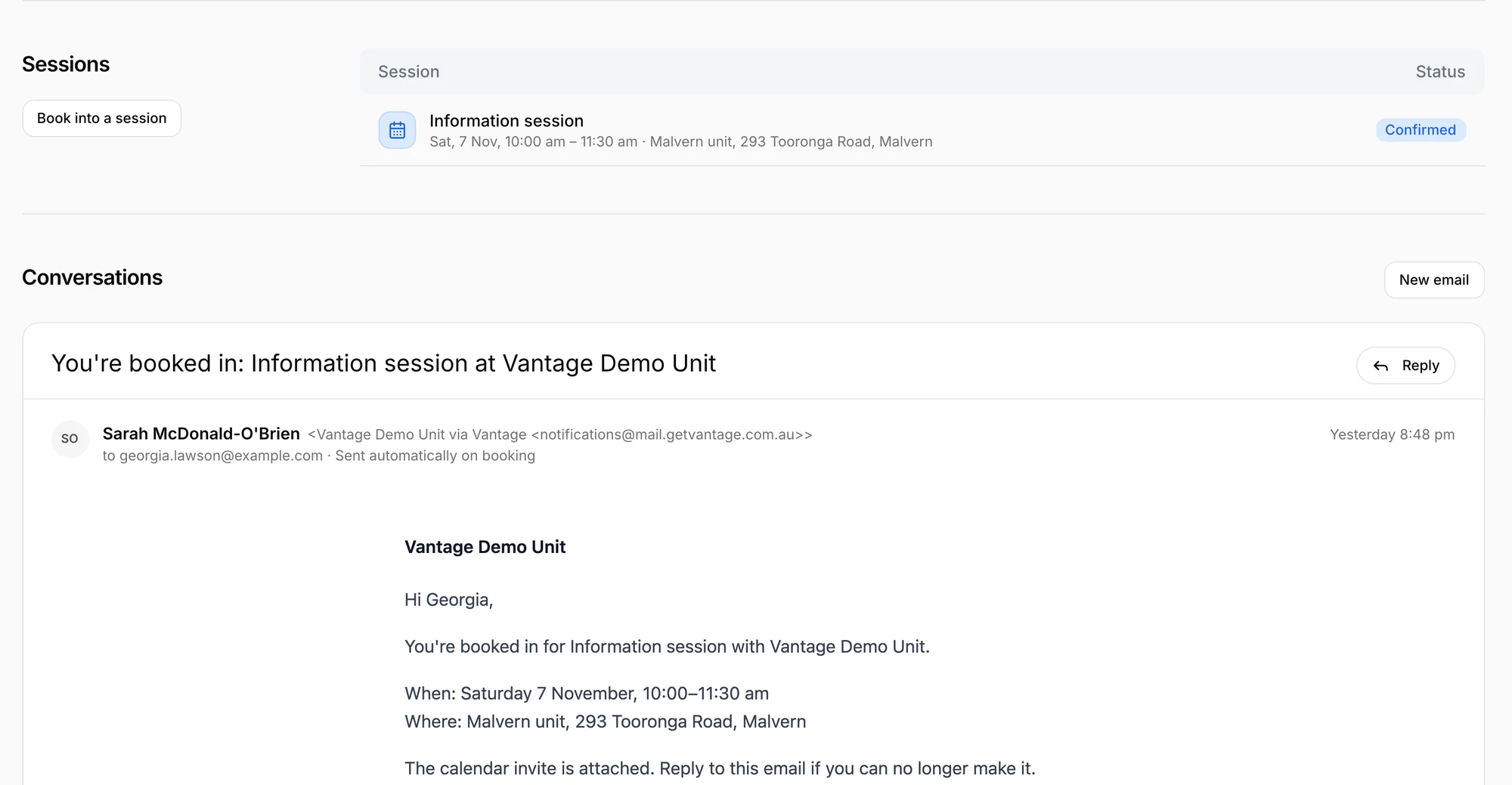
Pick up the conversation with context
Keep applications, bookings and email history together so the next person helping can respond without asking candidates to repeat themselves.
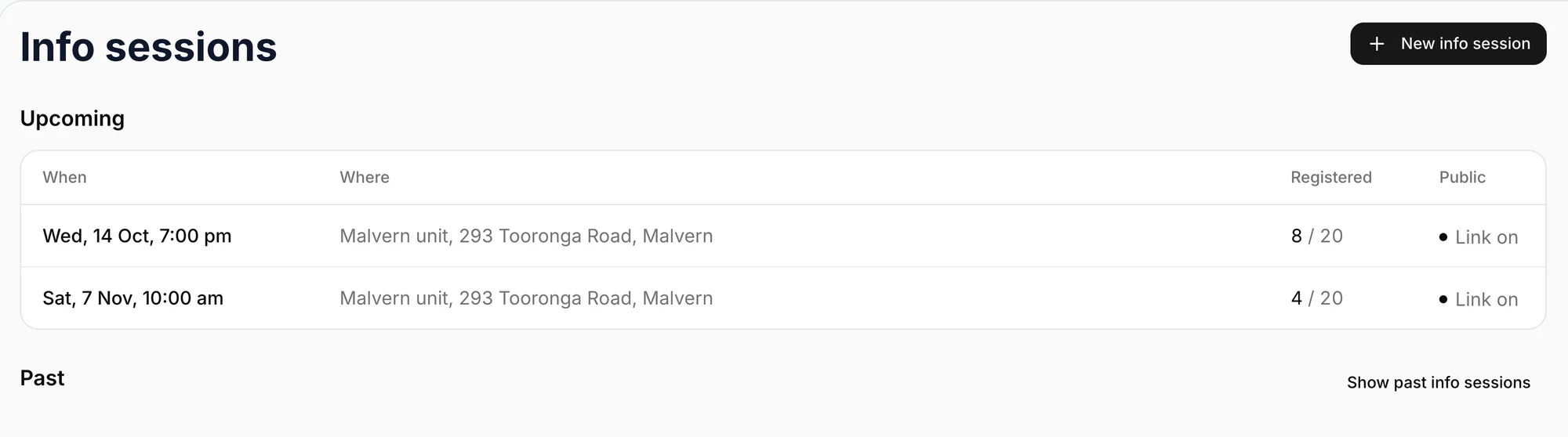
Make joining a session straightforward
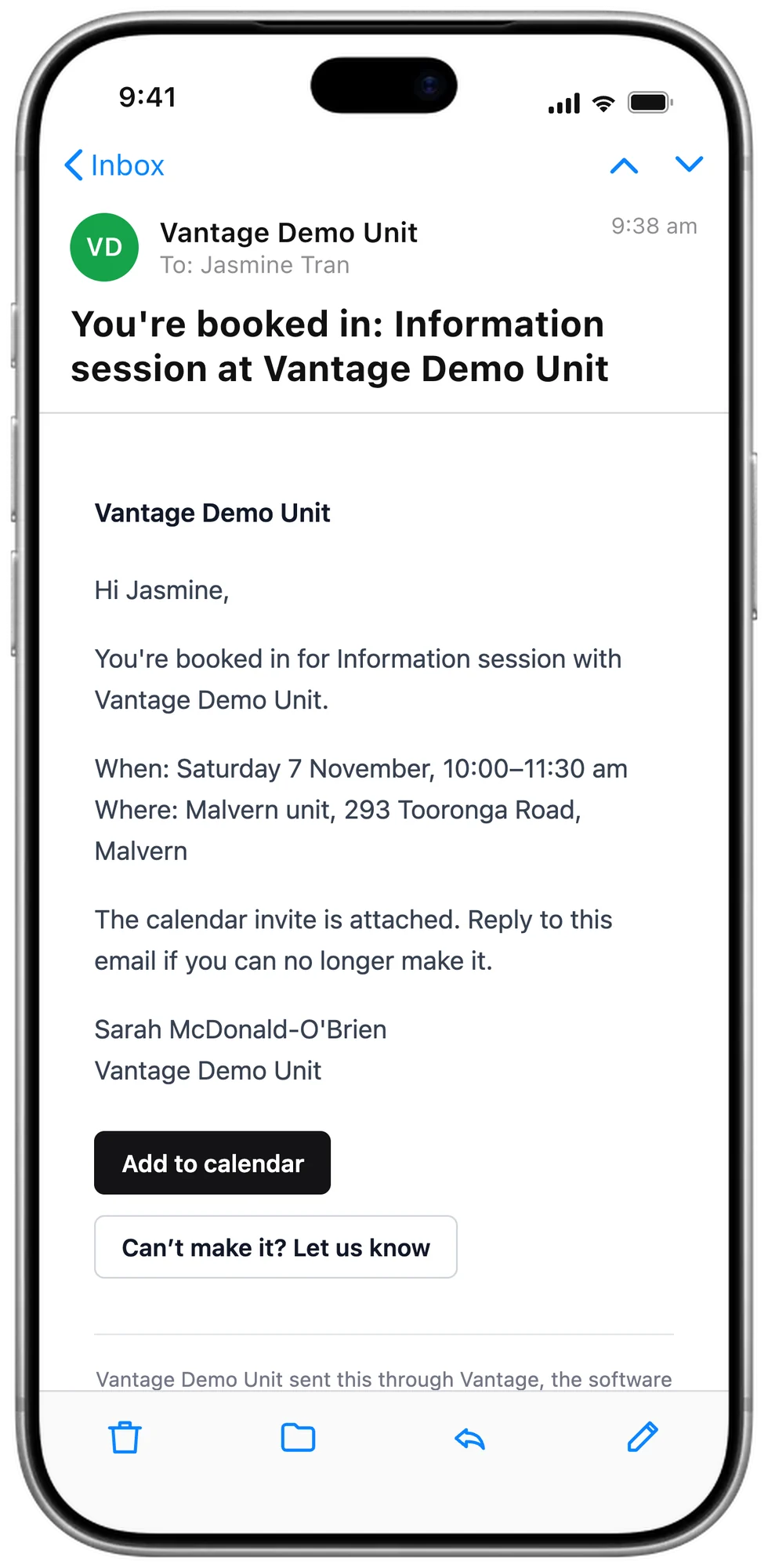
Let candidates book from a link and see who is coming, with fewer emails needed to organise the session.
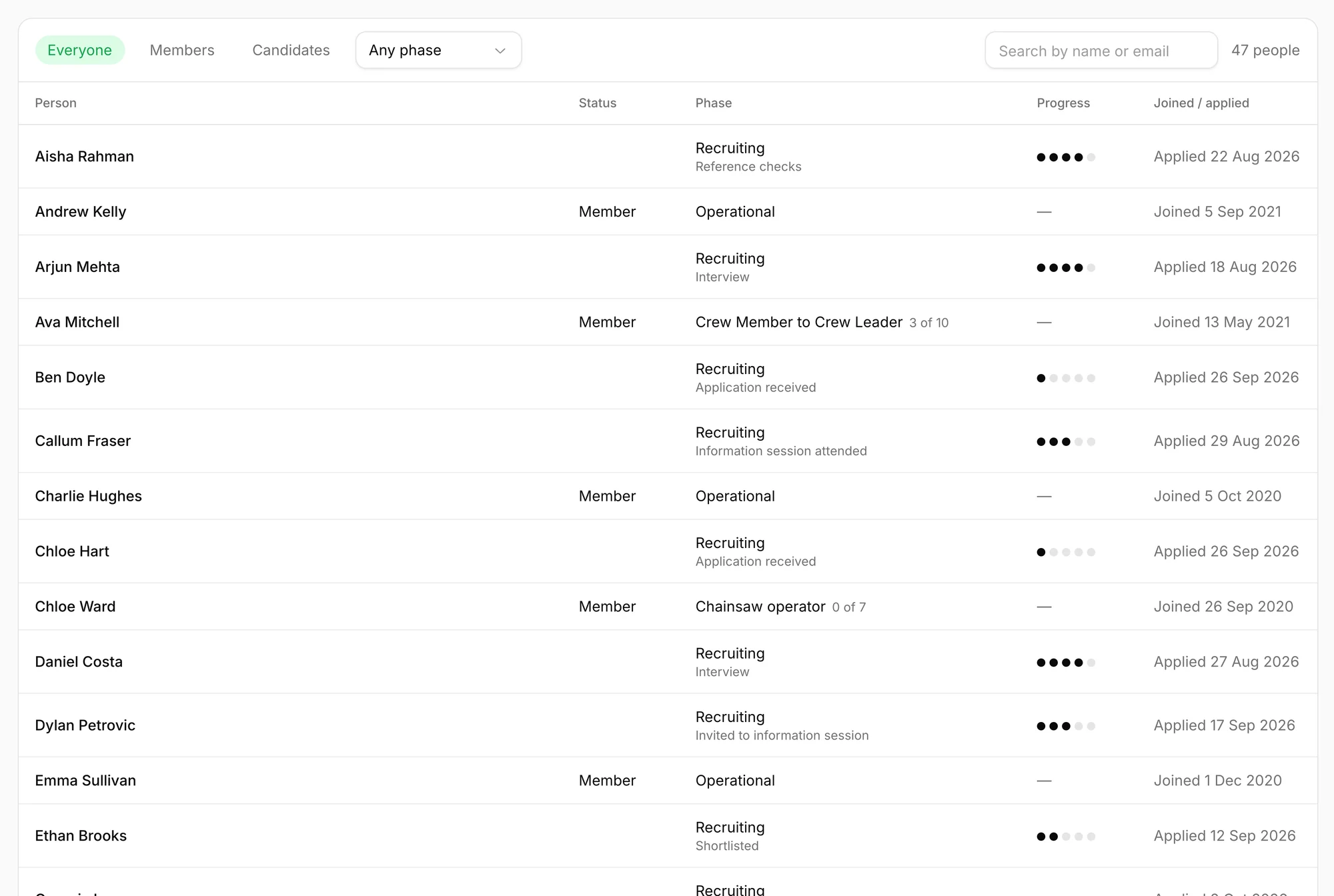
Carry their progress through to membership
An accepted candidate’s details become their member record, saving re-entry and keeping the information they have already shared.
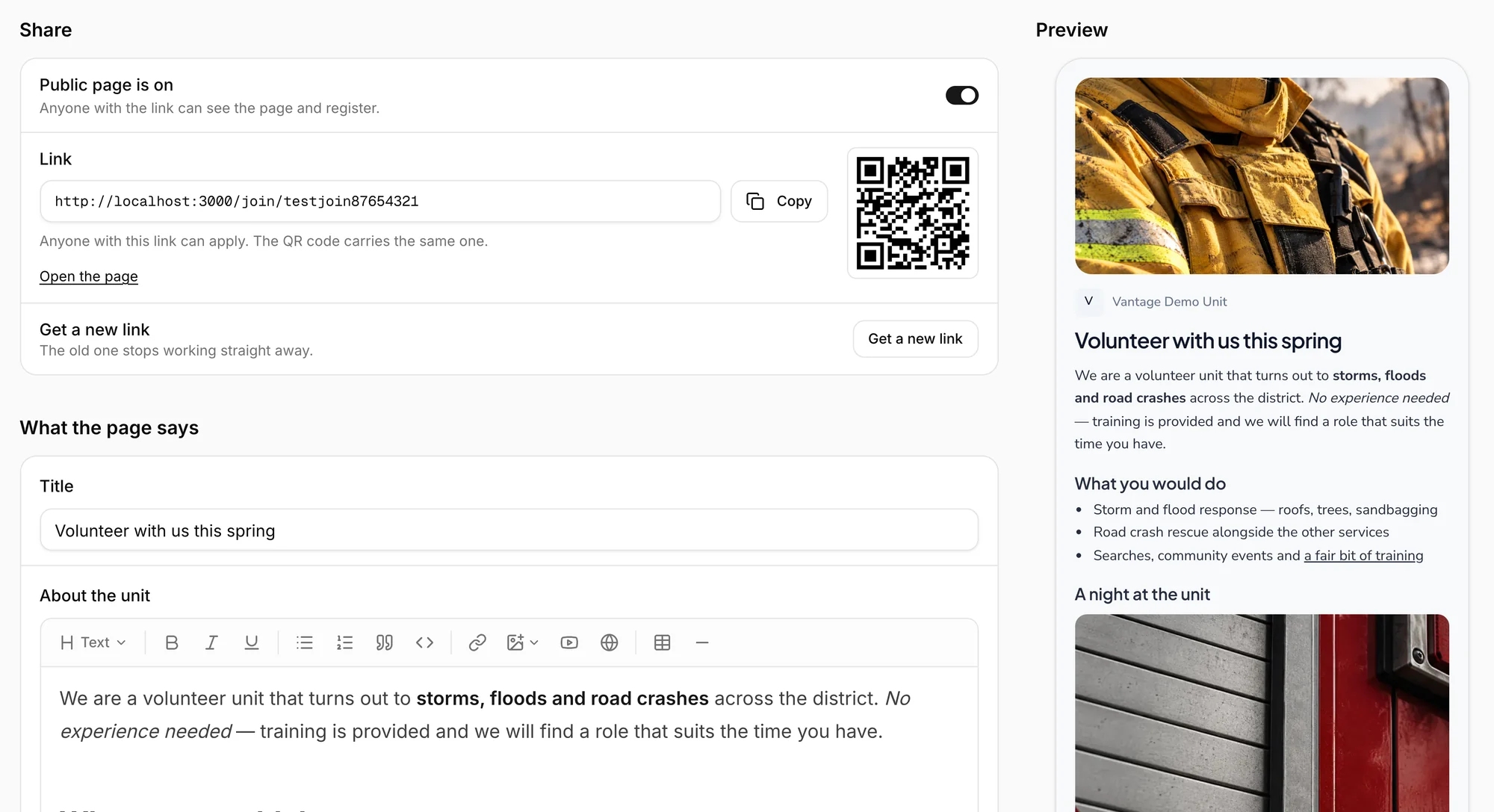
Build a page for each intake and share it anywhere
Write the page in Vantage with your own words and photos, and see it as candidates will. Each page has a link and a QR code, ready for Facebook, a community noticeboard or a flyer at the fete.
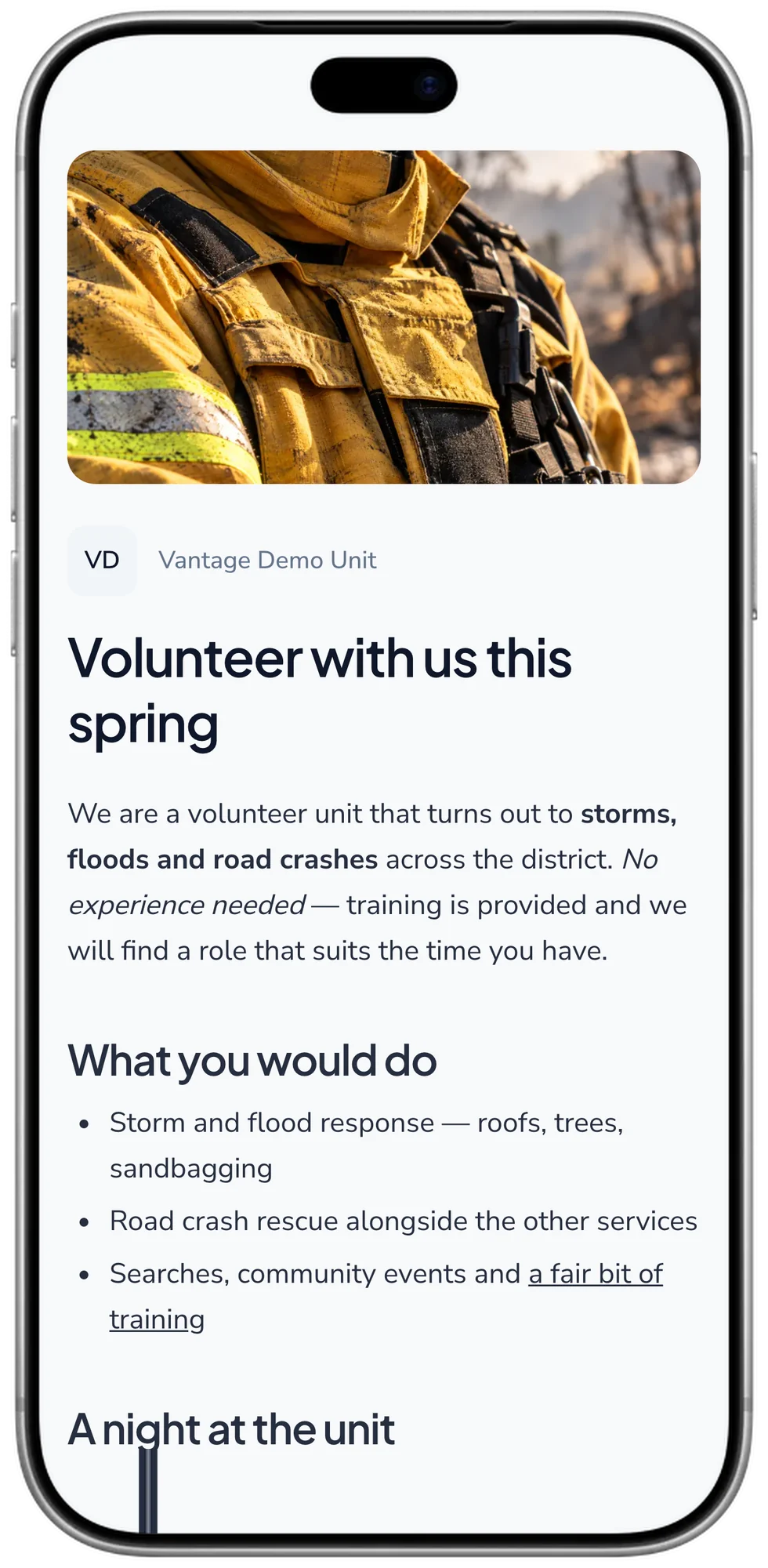
Easy to read and apply on a phone
Candidates see your photos, what the role involves and the sessions they can book.
Bring in applications from anywhere
Run an intake from its own public page, or keep the form you already have. Forward application emails from your service's website or another form to your Vantage address and each one appears as a candidate straight away. Setting it up takes about 30 seconds.

Questions
Do candidates need an account?
No, and that keeps people from dropping out. They apply on a public page in a couple of minutes and book their information session from a link in an email. There is nothing to install and no password to remember.
Can several people share the work?
Yes. Give each candidate to someone on your team so nobody is left waiting for a reply, and move, email or reassign a whole group at once when an intake gets busy.
What happens when someone is accepted?
They become a member without anyone typing their details again. Their application, documents and conversation history carry across, and they can start straight on their training pathway.
Who can see recruitment?
Only the people you choose. Applications hold personal details, so recruitment is limited to members you have given access to it.