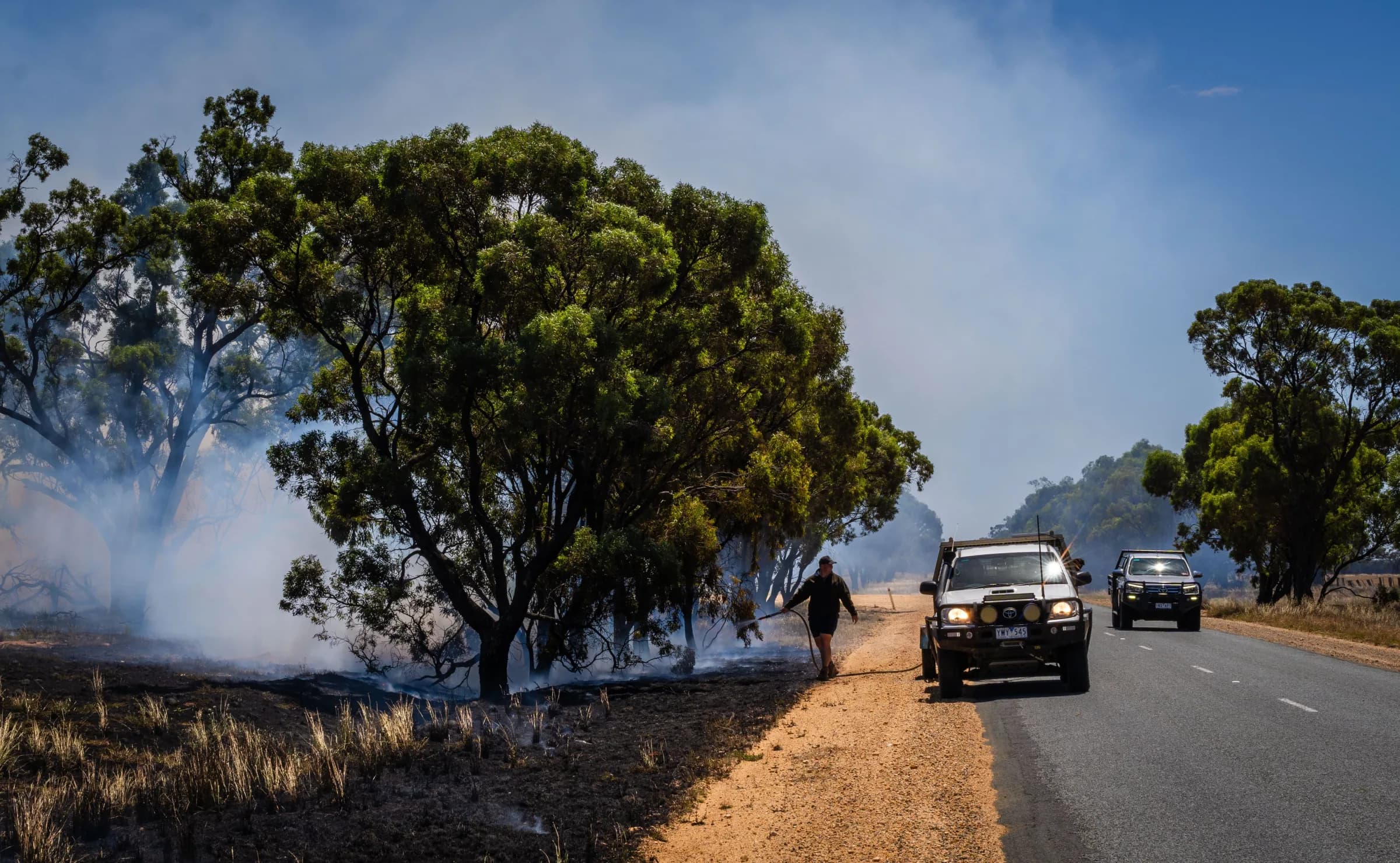
Make plans your members can plan around
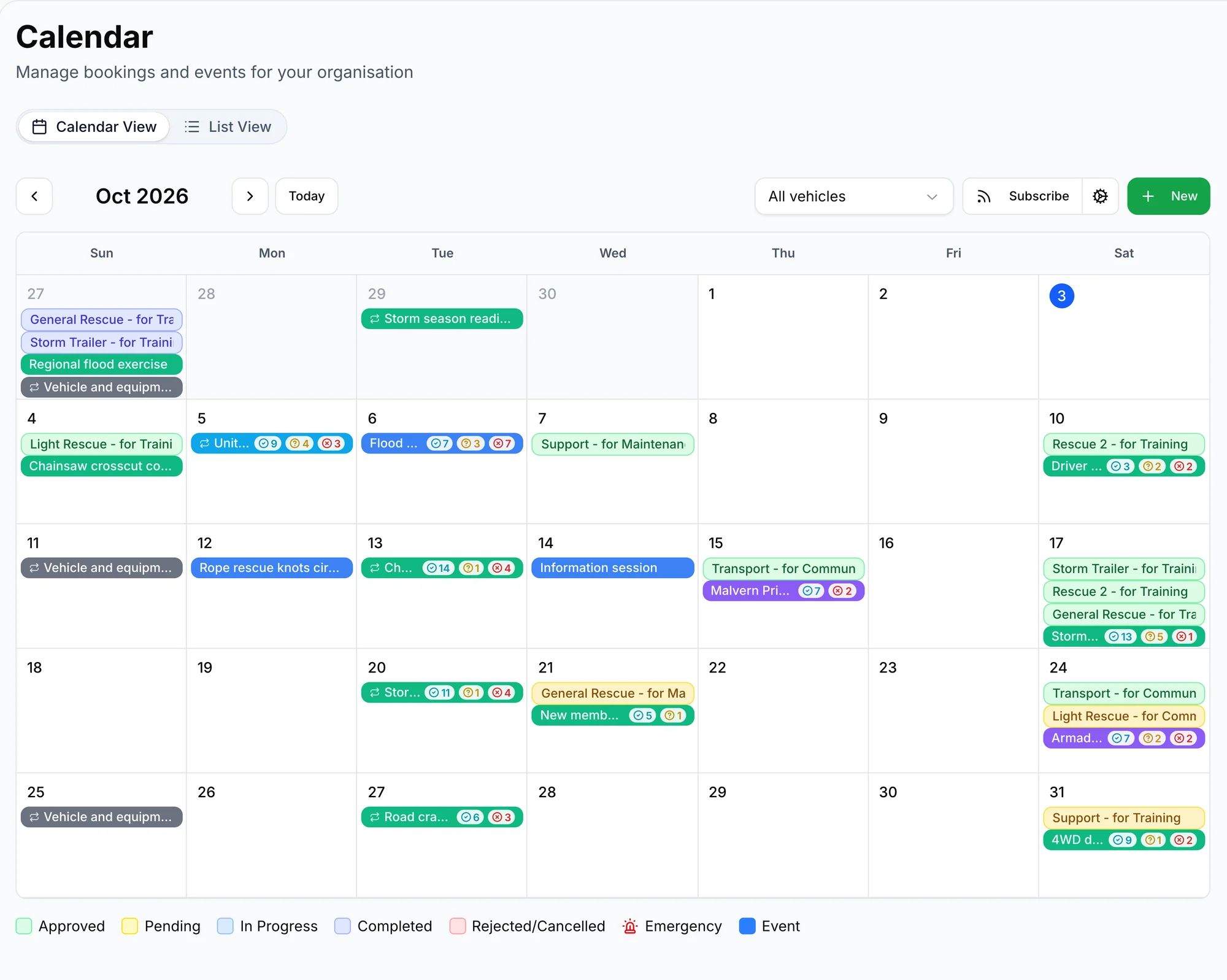
Bring events, attendance responses and vehicle bookings together so organising an activity takes less coordination and everyone knows what to expect.

Plan around the people and vehicles available
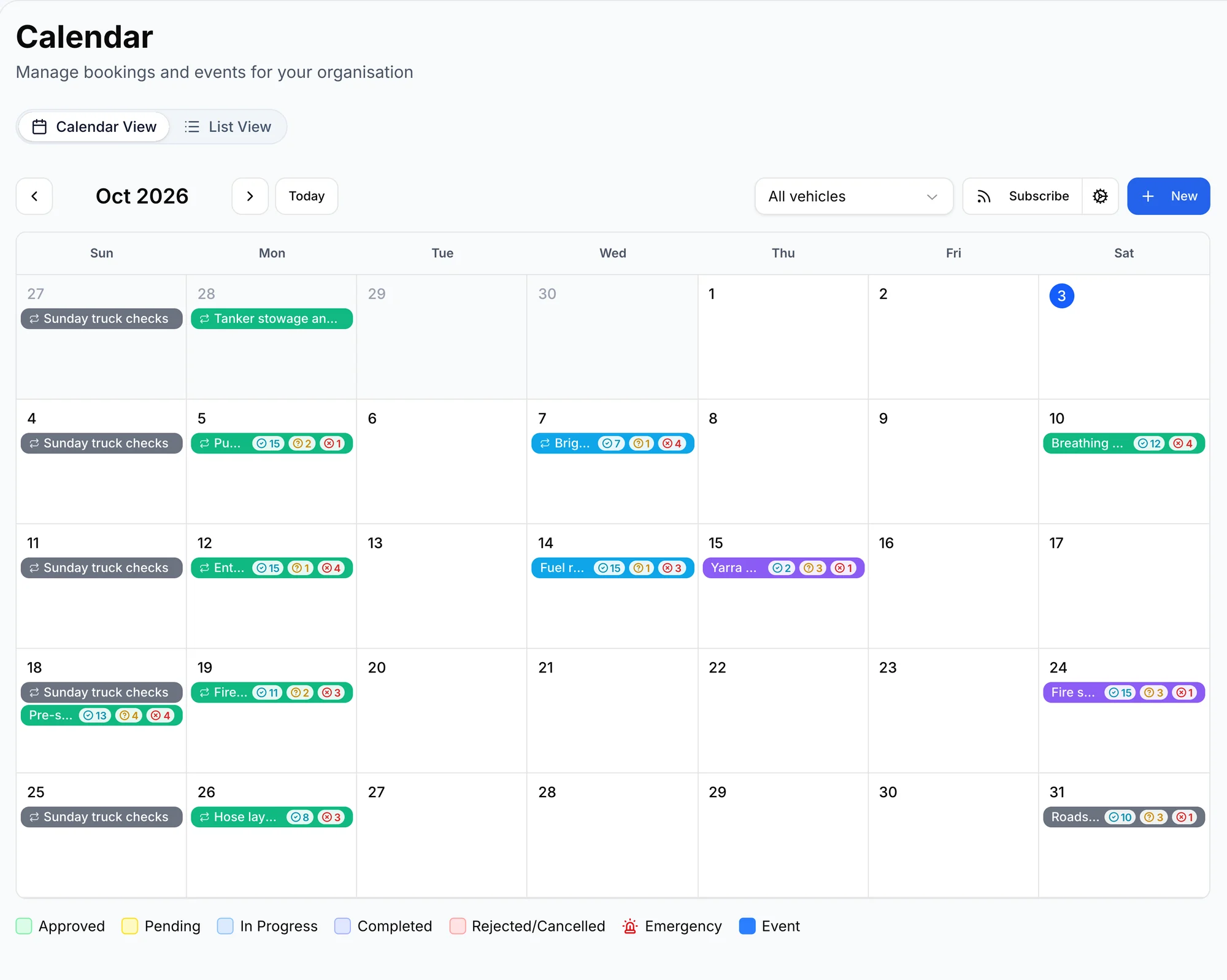
See who plans to attend alongside vehicle bookings, helping you prepare an activity with a clearer idea of the resources you can use.
Take the uncertainty out of vehicle bookings
Make the request easy to follow
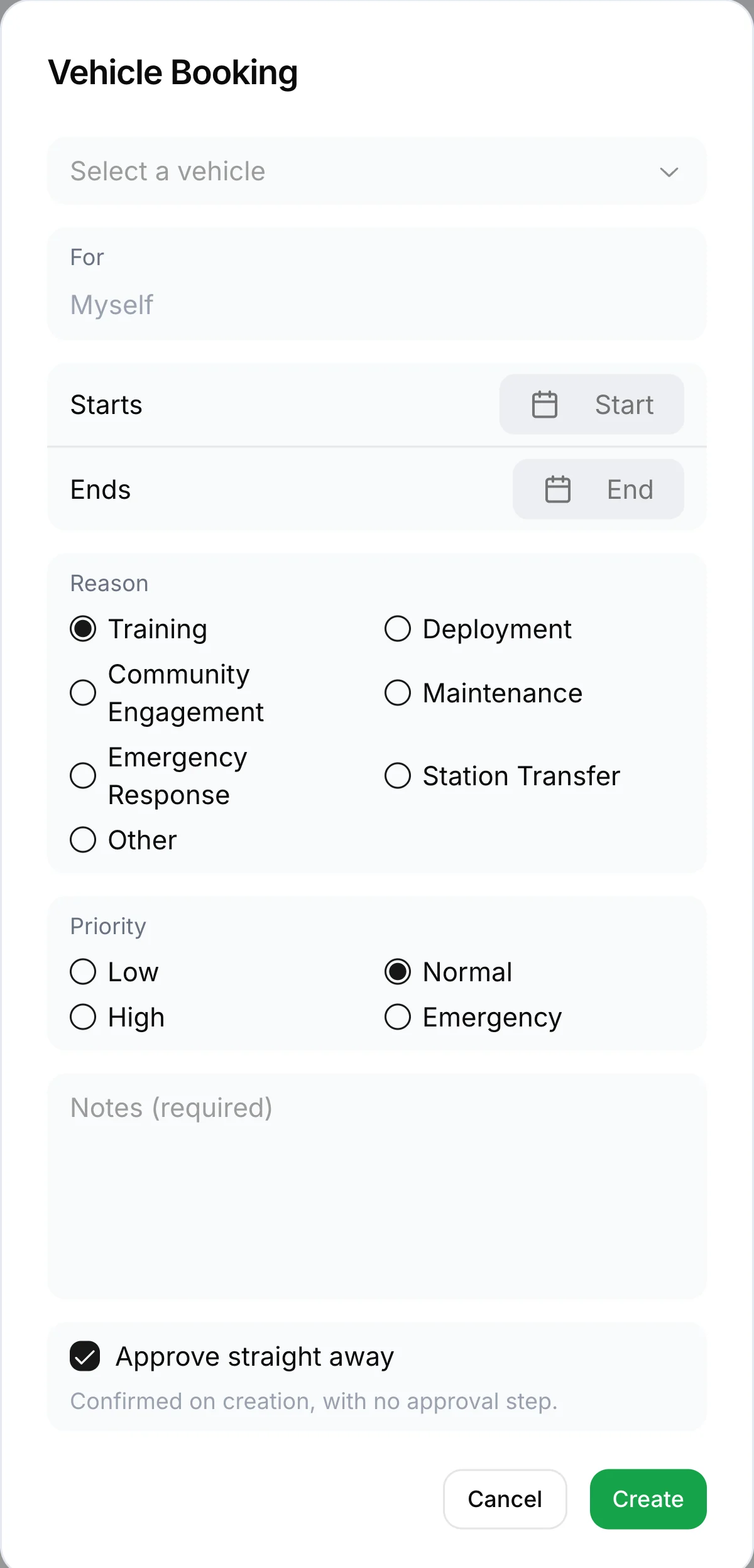
Keep the vehicle, times and reason together so the person reviewing the booking has the details they need.
Know when the booking is confirmed
Keep the request and approval on the same record so members can check the outcome without chasing a reply.
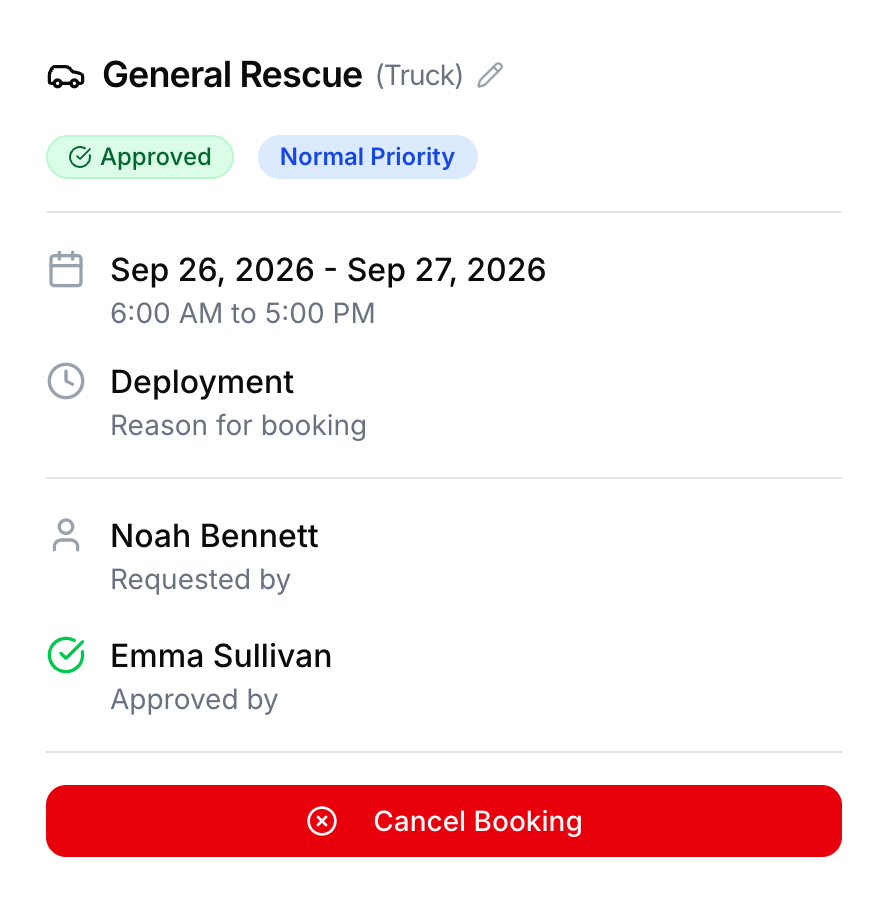
Understand what each vehicle is booked for
A reason on each booking helps others understand the plan when organising their own activities.
- Training
- Deployment
- Community engagement
- Maintenance
- Emergency response
- Station transfer
- Other
Give regular activities a place in the diary
Set repeating events for checks and training so members can plan ahead and you do not have to recreate the same bookings each week.
Questions
Will training night appear every week without retyping it?
Yes. Set an event to repeat when you create it and every week is filled in from then on, each one with its own responses and attendance.
How do members say whether they are coming?
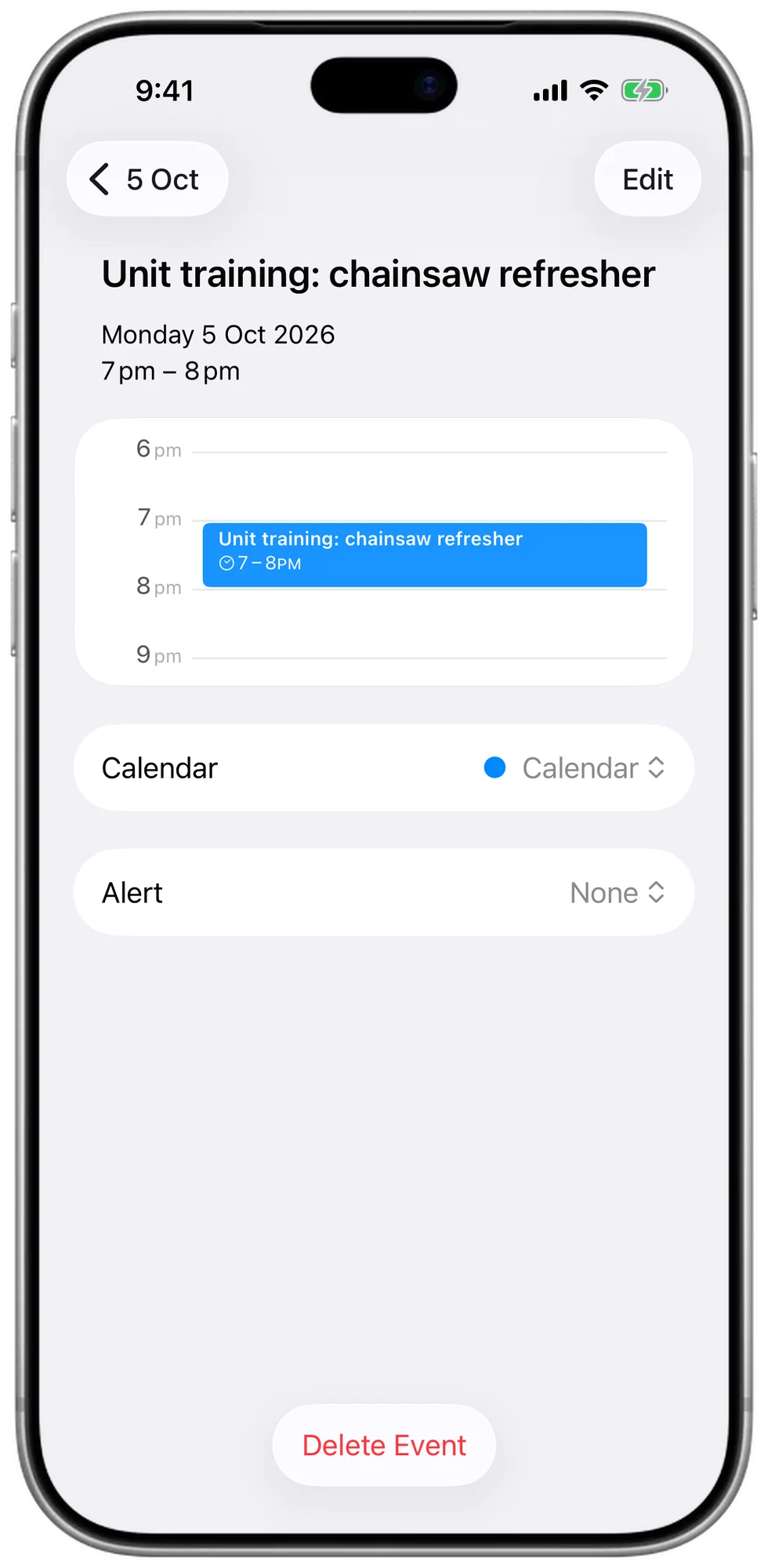
With one tap, wherever they see the event. That can be in Vantage or in the calendar on their own phone, where a subscribed event carries a link to respond.
Can we book a vehicle for a deployment, not just an afternoon?
Yes. A booking can run for up to 30 days, so a vehicle away on deployment is held for the whole trip and nobody plans around it by mistake.
Does attendance at an event get recorded?
Yes. Events appear on the sign-in kiosk at the door under the right reason, so members sign in to tonight's training and the attendance is kept against the event.